
What Is MCP in Trading? A Plain English Guide
MCP stands for Model Context Protocol. Here is what that means in plain English, how it connects an AI assistant to a trading account, and what it does not do.
By LTI BLOG Team
What Is MCP in Trading? A Plain English Guide
If you have seen the letters "MCP" next to the word "trading" and had no idea what either part meant, you are not behind. It is a genuinely new idea, and most explanations of it are written by developers, for developers, using words like "protocol" and "client" as if everyone already knows what they mean.
Here is the plain English version. MCP stands for Model Context Protocol. It is a standard way for an AI assistant, the kind of chat based tool you might already use for email or research, to connect to an application and read the data sitting inside it. In trading, that application is usually your MetaTrader 5 account. Once the connection exists, you can ask the assistant questions about your own account in ordinary sentences instead of opening reports and digging through rows of numbers yourself.
That is the whole idea in one paragraph. The rest of this guide slows down and explains each piece of it, including the word "protocol" itself, a simple analogy for how the connection actually works, what it lets a trader do day to day, and just as important, what it does not do.
Key Takeaways: • MCP (Model Context Protocol) is a standard that lets an AI assistant connect to an application, such as your MT5 account, and read the data inside it. • It turns "open MT5, find the report, read the numbers" into "ask the assistant a question in plain English and get an answer back." • MCP gives an assistant access to information. It does not, by itself, give an assistant permission to place trades. Reading and acting are two separate settings. • The assistant reads what you have exposed and can explain or summarize it. You are still the one who decides what to do with that information. • This article is the hub for a set of guides on MCP and trading. Each section below links to a deeper piece on that specific use case.
What Does "Protocol" Even Mean?
Before touching trading at all, it helps to understand the one unfamiliar word doing most of the work here: protocol.
A protocol is simply an agreed set of rules that lets two different systems talk to each other reliably. You already rely on protocols constantly without thinking about them. A postal address is a protocol: any postal service in the world can read "street, city, country" and know where to deliver a letter, because everyone agreed on that format long ago. The plug on your phone charger follows a protocol too, which is why any wall socket built to the same standard will accept it.
Software has the same problem. An AI assistant and a trading platform are built by completely different companies, in different programming languages, for different purposes. Left alone, they have no shared way to talk to each other. A protocol is the agreed format that lets them exchange information anyway, the same way a shared address format lets any two strangers' postal services cooperate.
What Is Model Context Protocol, Exactly?
Model Context Protocol is a protocol built specifically for AI assistants. It gives an assistant a standard way to ask an application, "what data do you have, and what can I look at?" and to receive that answer in a format the assistant understands.
Anthropic introduced MCP as an open standard, and other AI companies and software makers have since built support for it into their own tools. "Open" here just means the rules are published for anyone to use, rather than locked to one company. That is why you now see MCP support showing up in AI assistants, in productivity apps, and, relevant to this guide, in trading platforms including MetaTrader 5.
For the full story of how MT5 specifically added this capability, see MetaTrader 5 Now Talks to AI Assistants, which covers the platform side of the integration in more depth than this guide does.
A Simple Analogy: The Translator in the Room
Here is a way to picture what MCP actually does without touching any technical detail at all.
Imagine you want to know something about a filing cabinet full of records, but you do not speak the language the cabinet's labels are written in, and you have never learned the filing system it uses. Normally, you would have to learn both before you could find anything.
Now imagine a translator standing next to the cabinet. You ask your question out loud, in your own language: "how many files did I add last month, and were most of them successful?" The translator understands both your language and the cabinet's filing system, looks up what you asked for, and reads the answer back to you in your own words.
MCP is that translator, standing between you (through an AI assistant) and an application (your MT5 account). You ask a plain English question. The assistant, through the MCP connection, retrieves the relevant data from your account and explains it back to you in ordinary language. You never have to learn the platform's internal reporting format yourself, and the assistant never has to guess what you meant, because the connection gives it a reliable, structured way to look the answer up rather than making it up.
What This Looks Like Inside MetaTrader 5
Put concretely, once an assistant is connected to your MT5 account through MCP, you can ask things like:
- "What was my average holding time on trades last week?"
- "Show me every trade I closed at a loss in the last thirty days."
- "How many times did I trade the same instrument twice in one day?"
Instead of opening the terminal, exporting a report, and scanning it by eye, the assistant pulls that information directly and answers in a sentence or two. It is the same underlying data MT5 has always kept. MCP just changes how you get at it.
MT5 added native support for this starting with a recent build of the terminal, meaning the connection option now lives inside the platform itself rather than requiring a separate community built tool. If you want the exact steps to turn it on, see How to Enable Native MCP in MetaTrader 5, which walks through the setup screen by screen.
What an Assistant Connected Through MCP Can Actually Do for a Trader
This is the part most people actually care about, so here is a brief preview of the main uses. Each one has its own dedicated guide if you want the full detail.
Answering questions about your account in plain language. Instead of manually pulling a report, you simply ask. This is the most direct use of the connection described above, and it is covered in full in Ask Your Account Anything.
Keeping a trading journal without doing the writing yourself. Many traders know they should log their reasoning for every trade, and few actually keep it up. An assistant with read access to your trade history can help build and maintain that record automatically. See Building an AI Trading Journal for how that works in practice.
Reviewing past performance rather than predicting future trades. Looking back at what actually happened, patterns in timing, position sizing, or instrument choice, is a very different exercise from being told what to trade next, and MCP is built for the former, not the latter. Can AI Trade for You? draws that line clearly and explains why the distinction matters.
Notice the shape of all three: each one is about reading, organizing, or explaining information that already exists in your account. None of them involve the assistant deciding what happens next.
What MCP Does Not Do
This section matters more than any other in this guide, so it is worth stating plainly rather than burying it in a footnote.
MCP gives an assistant access to data. It does not, on its own, give an assistant permission to act on that data. Whether a connected assistant can only look at your account, or can also place or modify orders, is a separate setting you control explicitly. The connection existing at all does not mean an assistant is trading for you.
This distinction is sometimes described as: the assistant reads, and the human decides. An AI assistant connected through MCP can surface information faster than you could find it by hand and can help you understand patterns in your own trading history. It cannot place a trade with better judgment than you, it cannot guarantee an outcome, and it should never be treated as removing your responsibility for the trades placed in your account. The strongest setup is not the one with the most automation. It is the one you can understand, test, monitor, and control yourself.
Assistant or Bot? Why People Mix These Up
A lot of what gets marketed broadly as ai trading is really two very different things bundled under one label: a read only assistant that answers questions about your history, and a fully automated bot that places trades on its own. They are not the same thing, and they carry very different levels of risk. The full breakdown of that distinction lives in the assistant versus bot guide linked above.
MCP by itself is a connection method, not a decision maker, and it can sit underneath either kind of tool depending on how it is configured. An assistant, in the sense this guide describes, explains and summarizes. A bot acts.
If you are still weighing whether trading ai in the broader sense is something worth trusting with your account at all, our safety breakdown covers the specific settings that separate a safe setup from a risky one.
Getting Started Safely
If you decide to try this on your own account, a few habits make it a lot safer:
- 1.Start on a demo account. Test the connection, ask a handful of questions, and confirm the answers match what you already know about your own trading history before doing anything on a live account.
- 2.Check what permissions you are granting. Read access and trading access are different settings. Confirm which one you are turning on before you turn it on.
- 3.Treat the answers as a starting point, not an instruction. An assistant can summarize your last thirty trades accurately and still miss context that only you have about why a particular trade happened.
Risk disclosure: Trading in foreign exchange (forex), contracts for difference (CFDs), and other leveraged financial instruments involves a high degree of risk and may not be appropriate for all investors. You should only trade with funds that you can afford to lose without adversely affecting your financial position. No AI tool, including any assistant connected through MCP, is a guaranteed forex trader or capable of trading independently of you.
FAQ
Do I need to know how to code to use MCP?
No. Setting up the connection on the platform side takes a few clicks, covered in How to Enable Native MCP in MetaTrader 5. Once it is connected, you interact with it entirely in plain English.
Is MCP the same thing as a trading bot?
No. MCP is a connection method, a way for an assistant to read data from an application. Whether what sits on top of that connection behaves like a read only assistant or an automated bot is a completely separate question, explored in Assistant vs Bot.
Does MCP let an AI place trades by itself?
Only if you explicitly grant that permission, and even then it is not automatic or independent decision making, it is acting within limits you set. By default, the connection is about reading account data, not acting on it. See Can AI Trade for You? for a full breakdown of that boundary.
Which platforms support MCP right now?
MetaTrader 5 added native support in a recent build, and various assistants including widely used chat based tools support connecting to it. MetaTrader 5 Now Talks to AI Assistants covers the platform side of this in more detail, and The Broker MCP Race tracks which other brokers and prop firms have opened up to AI agents so far.
Is it actually safe to connect an AI assistant to my trading account?
That depends entirely on what permissions you grant and how you configure them, not on the existence of the connection itself. Is AI Trading Safe? walks through the specific settings that determine the answer for your own setup.
Next Steps
MCP is a connection, not a strategy. What it makes possible, asking your account questions in plain English, keeping a journal without extra effort, reviewing your own history clearly, is genuinely useful, and none of it requires you to hand over control of your trading decisions to get the benefit.
See what MCP does on an LTI account. Read How to Enable Native MCP in MetaTrader 5 to connect an assistant to a demo account and try asking it a question about your own trading history.
*This article is general information about CFDs, leveraged products and instruments, and trading. It is not investment advice, a recommendation, or an offer to trade, and it does not take account of your objectives, financial situation or needs. Refer to the footer for the full disclaimer, terms and policies.
Related Articles
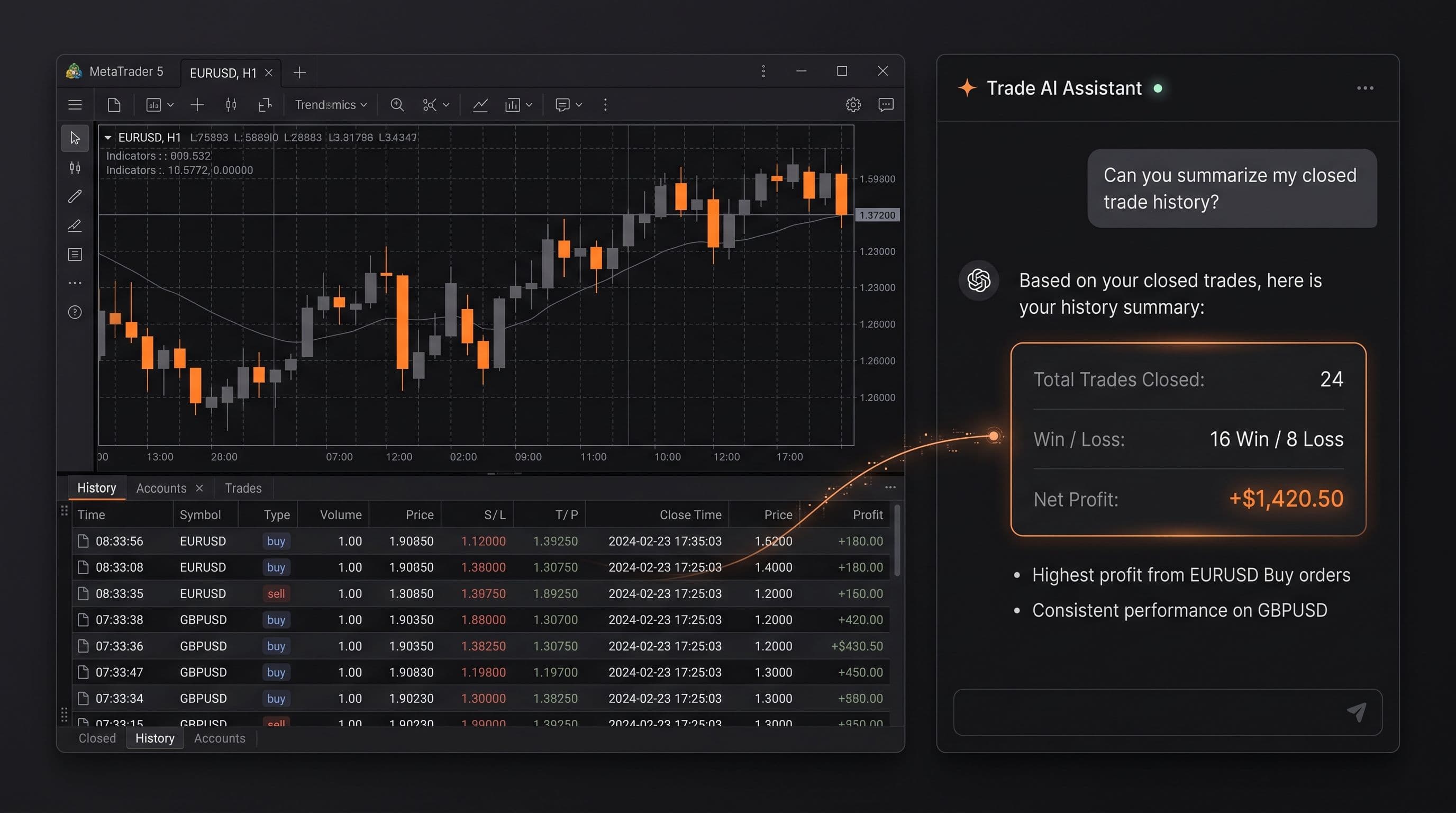
Ask Your Account Anything: 20 Prompts for Reviewing Your Own Trading
20 copy and paste prompts to analyse your trades with AI, covering losses, position sizing, session timing, strategy consistency, and trade management.
Read Article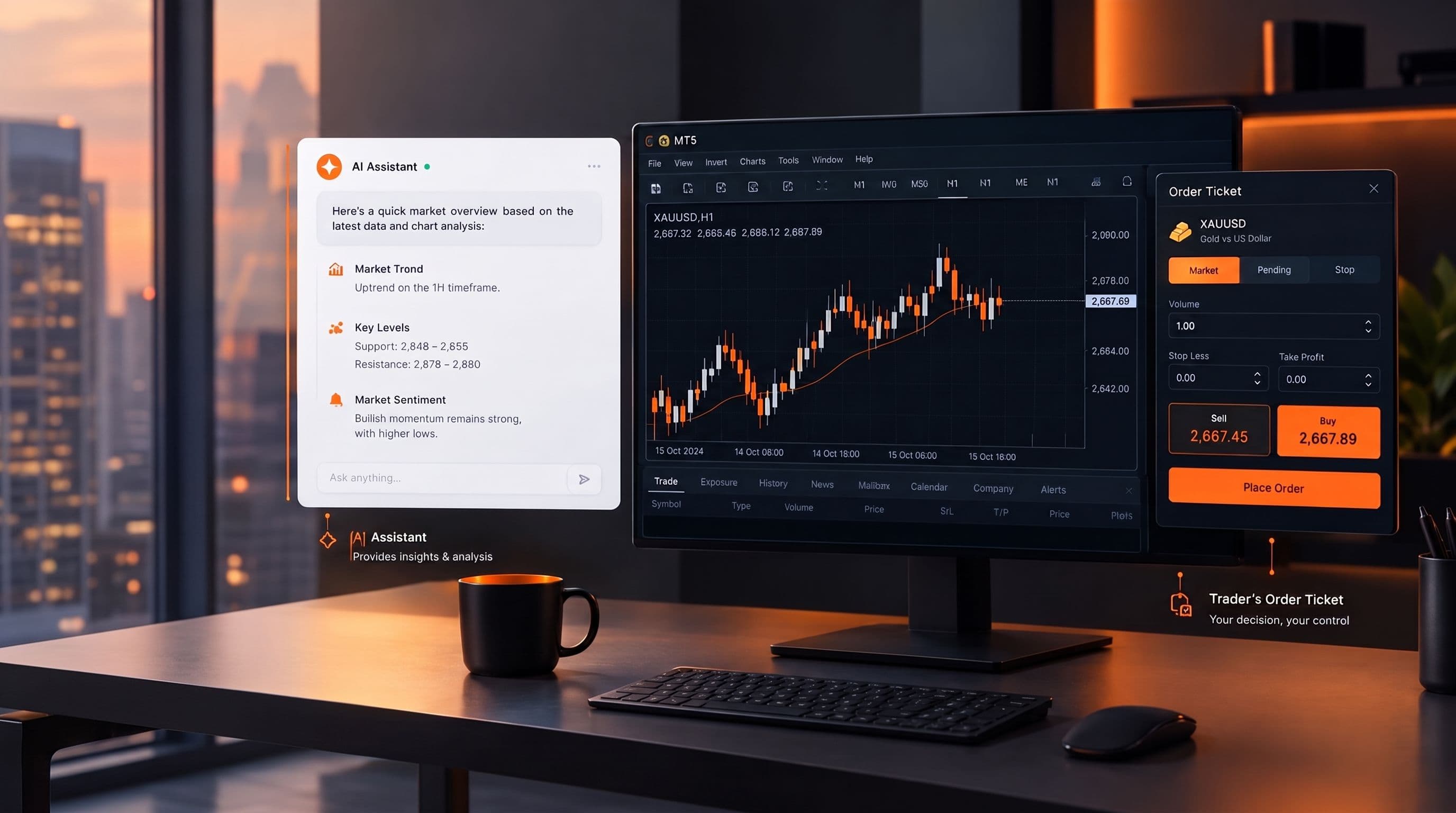
Can AI Actually Trade For You? What MCP Does and Doesn't Do
No, an AI assistant can't trade for you on its own. Here's what it can read, what it needs explicit permission to do, and why the decision stays yours.
Read Article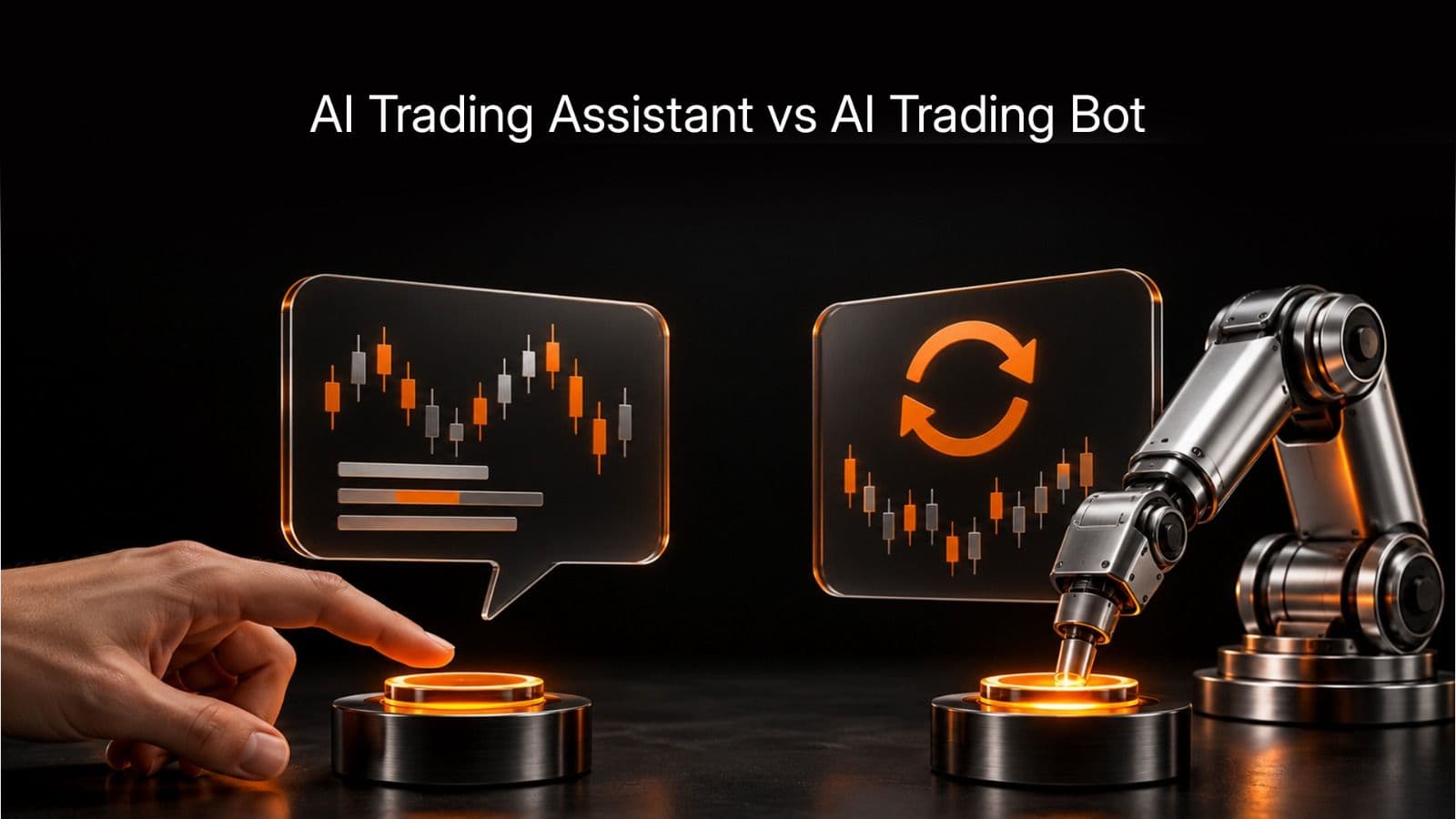
AI Trading Assistant vs AI Trading Bot: The Difference That Matters
An AI trading bot runs a strategy on its own. An AI trading assistant reads your account and answers questions, but only acts if you explicitly let it. Here is why mixing the two up is risky.
Read ArticleCreate Your Account
Account opening happens in the client area, and takes a couple of minutes.
*Opening an account finishes in the secure client area, where these details carry across. Already registered? Sign in, or talk to us first.
CFDs are complex instruments and come with a high risk of losing money rapidly due to leverage. 73% of retail investor accounts lose money when trading CFDs. You should consider whether you can afford to take the high risk of losing your money.