
Is AI Trading Safe? The Risks, the Guardrails and What to Watch
Can an AI assistant withdraw money from your account? No. Here is what MCP access exposes, the real risks like a misconfigured permission, and the guardrails that address each one.
By LTI BLOG Team
Is AI Trading Safe? The Risks, the Guardrails and What to Watch
"Is AI trading safe?" usually means two different questions at once. The broad one: is it wise to let an AI assistant near your trading account at all. The specific one underneath it, the one most people actually want answered first: can the thing withdraw my money?
Start with the specific one, because the answer is short. No. An AI assistant connected to your MetaTrader 5 account through MCP (Model Context Protocol) cannot withdraw funds or move money out of your account. That is not a policy an assistant is simply asked to respect, it is a limit built into what the connection can technically reach. Withdrawals go through separate account level authentication that London Trading Index controls directly, with its own login and verification steps, entirely apart from the trading terminal an MCP connection reaches. There is nothing labeled "withdraw" inside that connection for an assistant to call.
Trading foreign exchange and CFDs carries real risk regardless of who, or what, is looking at your account, and nothing below changes that. But "cannot withdraw money" is not the same claim as "cannot go wrong." A connection can be entirely incapable of touching your funds and still be worth setting up carefully, because the real risk sits in what you have granted access to, and in who else might get hold of the credentials that grant it. That is the honest version of this picture, not the reassuring one.
Key Takeaways: • No AI assistant can withdraw funds through an MCP connection. Withdrawals run through account level authentication that LTI controls directly, separate from the trading terminal itself. • What an assistant can do is scoped to what you explicitly permit: reading account data by default, and trading actions only if you have separately enabled them. • The real risk is not the AI deciding to move money. It is a misconfigured permission scope, or a compromised bearer key and device, granting more reach than intended. • Localhost only binding, explicit permission toggles and the ability to disable a connection instantly are the concrete guardrails behind those risks. • Safe is a setup you check, not a property a connection has automatically the moment it exists.
Can an AI Assistant Withdraw Money From Your Account?
No, and it is worth being precise about why, because "the connection does not allow it" and "the assistant has been told not to" are very different kinds of safety.
MCP works by exposing a defined set of functions from an application, in this case your MT5 terminal, that an assistant is allowed to call. Those functions cover account balance, open positions, trade history and, only if enabled, order placement. Moving money out of an account is not a function of the trading terminal at all. A withdrawal happens through a broker's own client portal, a separate system with its own login, identity verification and payment handling.
Put differently: an MCP connection has nothing to reach even if it were asked to, because no withdrawal function exists inside MT5's own toolset for MCP to expose. Whatever permissions you grant, the boundary stops at trading and account data. Fund transfers stay behind authentication LTI controls directly, and no connected AI tool can trigger that process.
That describes how MT5's native MCP support works today, not a promise about every future feature. Treat it as a reason the withdrawal question is not the one to lose sleep over, not a reason to stop reading.
What "Connected" Actually Means
Every real risk in this article lives inside one sentence: an assistant's access is scoped to exactly what you explicitly permit, and nothing more by default. Two categories exist, set separately rather than bundled into one connect decision.
Reading data is the default, and the point of connecting an assistant at all. Account balance, open positions, trade history, market prices. Calling one of these functions changes nothing in your account, the same as opening a report and reading it yourself.
Trading actions, such as placing an order or modifying a stop loss, stay switched off unless you turn them on. MetaQuotes' own release notes for MT5's native MCP support describe the setting directly: "You can explicitly allow or prohibit AI-initiated trading operations, or require manual confirmation. In addition, separate settings control the AI's access to network requests and command line operations." Three distinct states, not one toggle, and none of them touch fund withdrawal.
This is the practical shape of the assistant reads, and the human decides. An assistant can surface information faster than you would find it by hand. It cannot place a trade with better judgment than you, it cannot move funds, and it should never be treated as removing your responsibility for what happens in your account. The strongest setup is not the one with the most automation. It is the one you can understand, test, monitor and control yourself.
See What Is MCP in Trading? for the full plain English explanation of the connection itself, and Can AI Trade for You? for where the line between reading and deciding sits.
What Could Actually Go Wrong
If a connected assistant cannot reach your money directly, where does the real risk sit? Two places, realistically.
A misconfigured permission scope. The three way trading setting above exists because "allow" and "require manual confirmation" are very different levels of exposure, and it is easy to grant more than intended out of convenience. Turning on unsupervised trading because confirming each order felt tedious, then forgetting it is active weeks later, is a realistic way an assistant ends up with more reach than you would choose today. The setting is not the risk. Not knowing which setting you are running is.
A compromised bearer key or device. The MCP connection authenticates with a bearer key generated inside MT5's Options panel. If that key, or the device storing it, is compromised through malware, phishing, or careless copying, whoever holds it can use the connection the same way your assistant would, within whatever scope you had granted. This is not unique to AI tools. It is the same risk that applies to any saved credential, and the key deserves the same care as a password.
Neither of these is the AI deciding to act on its own. Both are ordinary configuration and credential risks that happen to sit next to an AI assistant, which points toward guardrails that are boring, checkable and entirely within your control.
The Guardrails That Address Each Risk
Three controls, each aimed at a specific piece of the picture above, rather than one single trust the AI decision.
Localhost only binding limits where the connection can be reached from. By default, MT5's MCP server only accepts connections from your own machine, at 127.0.0.1, not your wider network or the open internet. A stolen bearer key is far less useful to someone who cannot also reach your machine's local address.
Explicit permission toggles turn the misconfigured scope risk into something you can check rather than guess at. Reading is the default. Trading permission is a separate, visible setting with three states, allowed, prohibited, or requiring manual confirmation, not a single switch that quietly does more than you think. Checking which state you are in takes under a minute.
The ability to disable the connection instantly is the backstop for both risks above. Turning off the MCP server, revoking the bearer key, or closing the terminal all end the connection immediately, without needing the assistant's cooperation. If a key is compromised or a permission is set wrong, you are never more than a few clicks from cutting it off. MCP Trading Security: Read Only Mode, Order Caps and Kill Switches Explained covers these controls, plus order caps, in full technical depth.
What to Actually Watch For
A short, practical list, since the point here is caution rather than alarm.
- Which permission state you are in, not which one you set up originally. Check periodically rather than assuming an old setting still matches what you would choose today.
- Where your bearer key lives. Treat it like a password: never paste it into a chat log or anywhere outside the assistant's own configuration.
- Your account portal login is a separate secret. The portal login that handles withdrawals is a different system with a different credential from your MT5 terminal connection. Never share it with an AI tool, whatever the request. No legitimate MCP setup needs it.
- A demo account first. Test permissions, manual confirmation and the disconnect process before connecting anything to funds you are actively trading with.
Risk disclosure: Trading in foreign exchange (forex), contracts for difference (CFDs), and other leveraged financial instruments involves a high degree of risk and may not be appropriate for all investors. You should only trade with funds that you can afford to lose without adversely affecting your financial position. No AI tool, including any assistant connected through MCP, is a guaranteed forex trader or capable of trading independently of you.
FAQ
Can AI withdraw money from my account?
No. Withdrawals run through account level authentication and a payment process that LTI controls directly, separate from the MT5 terminal an MCP connection reaches. No function exposed through MCP moves funds out of an account.
Is AI trading safe if I never touch the permission settings?
It depends on what the default is on your setup, which is why checking matters. Reading account data is generally the lower risk default. Trading permission is worth confirming explicitly.
What is the actual MCP trading security risk if my bearer key leaks?
Someone with your key could use the connection within whatever scope you had already granted, from a device that can reach your machine's local address. Localhost only binding and the ability to revoke the key immediately both matter here.
Does enabling MCP mean an assistant is trading for me?
No. Enabling MCP exposes data by default. Trading access is a separate setting you turn on explicitly, and even then the assistant acts within limits you have set.
Should I trust an AI assistant's summary of my trading history without checking it myself?
Treat it as a starting point, not a final answer. It can summarize accurately and still miss context only you have about a specific trade.
Next Steps
None of this is a reason to avoid the technology, or to connect anything without checking the settings first. The withdrawal question has a clean answer: no connected AI tool can move funds out of your account, because that pathway sits behind authentication MCP never touches. The permission and credential questions have honest answers too, ones that require checking a setting rather than taking a promise on faith.
Read LTI's MCP safeguards. MCP Trading Security: Read Only Mode, Order Caps and Kill Switches Explained walks through the three checkable controls, permissions, order caps and the kill switch, before you connect an assistant to a live account.
*This article is general information about CFDs, leveraged products and instruments, and trading. It is not investment advice, a recommendation, or an offer to trade, and it does not take account of your objectives, financial situation or needs. Refer to the footer for the full disclaimer, terms and policies.
Related Articles
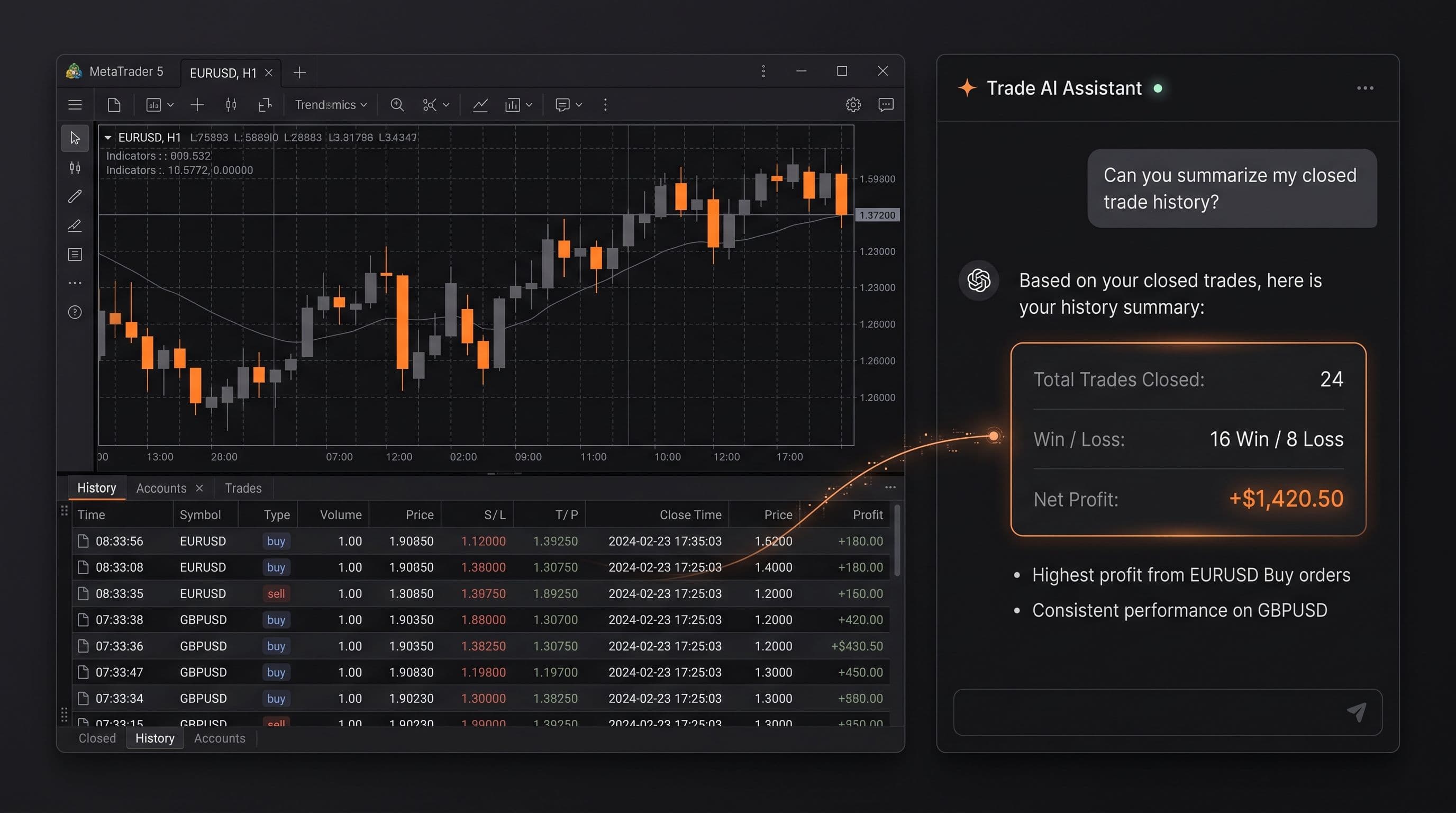
Ask Your Account Anything: 20 Prompts for Reviewing Your Own Trading
20 copy and paste prompts to analyse your trades with AI, covering losses, position sizing, session timing, strategy consistency, and trade management.
Read Article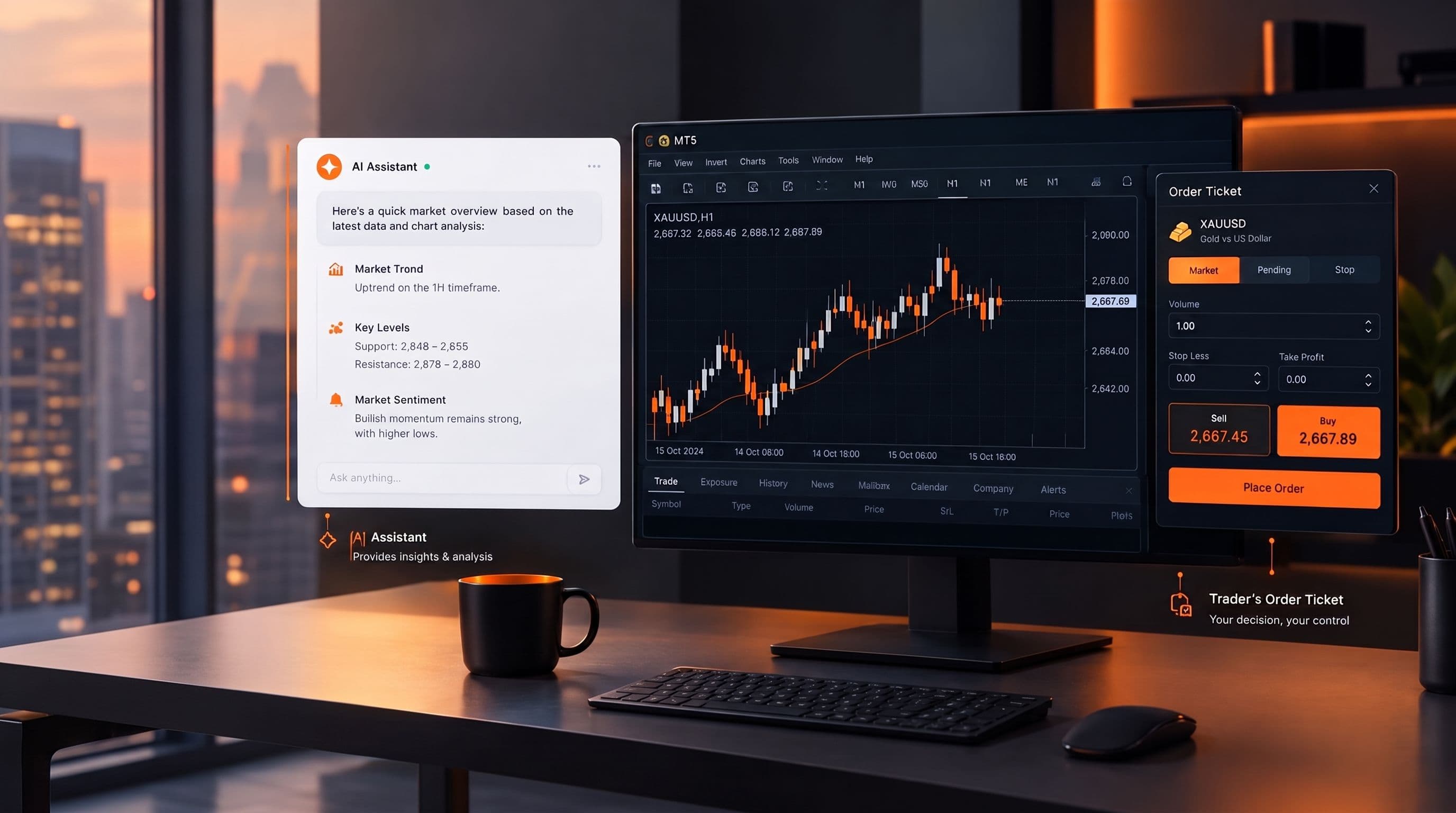
Can AI Actually Trade For You? What MCP Does and Doesn't Do
No, an AI assistant can't trade for you on its own. Here's what it can read, what it needs explicit permission to do, and why the decision stays yours.
Read Article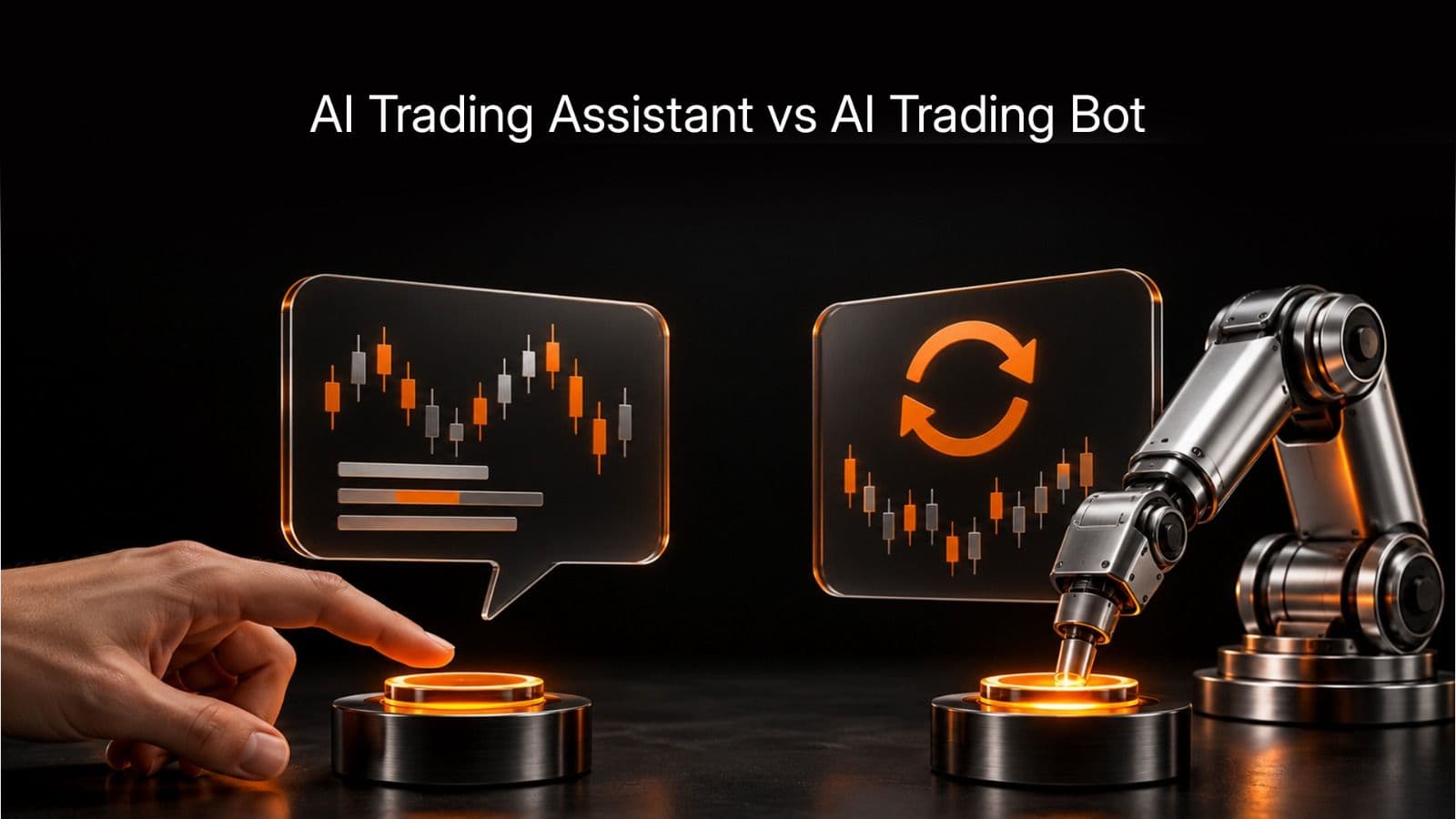
AI Trading Assistant vs AI Trading Bot: The Difference That Matters
An AI trading bot runs a strategy on its own. An AI trading assistant reads your account and answers questions, but only acts if you explicitly let it. Here is why mixing the two up is risky.
Read ArticleCreate Your Account
Account opening happens in the client area, and takes a couple of minutes.
*Opening an account finishes in the secure client area, where these details carry across. Already registered? Sign in, or talk to us first.
CFDs are complex instruments and come with a high risk of losing money rapidly due to leverage. 73% of retail investor accounts lose money when trading CFDs. You should consider whether you can afford to take the high risk of losing your money.