
MCP Trading Security: Read Only Mode, Order Caps and Kill Switches Explained
Read only access, order caps and a kill switch are the three checkable controls behind any MCP connected trading assistant. Here's what each one actually does.
By LTI BLOG Team
MCP Trading Security: Read Only Mode, Order Caps and Kill Switches Explained
"Connect an AI assistant to your trading terminal" is the sentence that stops a lot of otherwise careful traders before they get any further. It sounds like handing over the keys. It isn't, and the reason has nothing to do with trusting the assistant more than you currently do. It comes down to three specific, checkable controls that sit between "the assistant can see my account" and "the assistant can trade my account": read only access, order caps, and a kill switch.
This is the security explainer version of that idea, not a slogan. Below is what each control actually does, who sets it, and how to verify it's working before you connect anything to a live account.
- Read only access: What it actually does: Limits an assistant to functions that return data (prices, balances, history) with no order placing or order modifying function available to it at all | Who sets it: MetaQuotes' permission settings inside MT5
- Order caps (guardrails): What it actually does: Rejects any order outside limits you define, regardless of what instruction produced it | Who sets it: You, before granting access, alongside any account level controls your broker applies
- Kill switch: What it actually does: Cuts the connection entirely, without needing the assistant's cooperation | Who sets it: You, at any time, from the terminal or its connection settings
Key Takeaways: • "Connected" and "can trade" are not the same thing. A setting decides which one applies, not the assistant's behavior. • Read only access means the order placing and order modifying functions simply aren't available for the assistant to call. It isn't a promise; it's an absence. • MetaQuotes' own permission controls, confirmed in their release notes, are the actual mechanism that separates "reads my data" from "can place trades." • An order cap enforced by the system is a guardrail. An instruction asking the assistant not to exceed a limit is a preference, and preferences can be misread. • A kill switch works without the assistant's agreement: turning off the connection, revoking a key, or closing the terminal all end access immediately.
The Objection Behind the Objection
When people say they're uneasy about AI assistants and trading accounts, what they usually mean is some version of: what stops it from doing something I didn't ask for? That's a fair question with a specific answer, which is the point of this piece. It also matches a position LTI has held throughout its coverage of AI and MT5: the strongest trading setup is not the one with the most automation, it is the one you can understand, test, monitor, and control. A connected assistant isn't an exception. It's a system you choose to expose, on terms you set, that you can revoke.
Whether an assistant can only read your account or can also act on it is a setting you check, not a property of "having MCP connected" in general. Getting that setting wrong, or not checking it, is the actual risk. Getting it right is what makes "the assistant reads, you decide" a true description of your setup rather than a line on a marketing page.
What Read Only Access Actually Means, Technically
MCP, short for Model Context Protocol, connects an AI assistant to your trading terminal by exposing a defined set of functions it's allowed to call. Some of those functions only return information: the current price for a symbol, your open positions, your account balance, your trade history. Calling one of them changes nothing. It's the equivalent of the assistant looking at a screen you've already opened for it.
Other functions do something: place a market order, modify a stop loss, close a position, cancel a pending order. Calling one of these changes the state of your account, the same as if you'd clicked the button yourself.
Read only access means exactly what it says: the assistant has functions from the first group available to it and none from the second. It isn't a promise the assistant makes to behave itself. It's an absence. The order placing and order modifying functions simply don't exist for it to call, in the same way a read only database user can't run a command they were never granted permission to run. There's no clever phrasing in a prompt that gets around this, because the limitation isn't in what the assistant is told to do, it's in what functions exist for it to reach in the first place.
That's why the practical question about any MCP connection isn't "do I trust this assistant." It's "which functions does this connection expose." That's a checkable, technical fact, not a judgment call about an AI's intentions.
The Real Switch: MetaQuotes' Own Permission Controls
For MT5's native MCP support (build 6060 and later), that checkable fact is controlled directly by MetaQuotes, not by the assistant and not by LTI. Per MetaQuotes' own release notes: "You can explicitly allow or prohibit AI-initiated trading operations, or require manual confirmation. In addition, separate settings control the AI's access to network requests and command line operations."
That sentence does more than it looks like. It describes three separate states for trading operations, not a single toggle that's simply on or off: allowed outright, prohibited outright, or allowed only with manual confirmation on each action. And it keeps trading permission entirely separate from two other categories, network requests and command line operations, which have nothing to do with your trading account but everything to do with what else a connected assistant could reach on the same machine.
This is the actual mechanism that separates "reads my data" from "can place trades." Not the assistant's own restraint, not a line in a system prompt telling it to behave, a setting inside MT5 that determines which functions are reachable before the assistant ever receives an instruction at all. Check these settings in Options before connecting anything, and treat "require manual confirmation" as the sensible middle ground if outright prohibition is more restrictive than what you actually want an assistant to help with.
Order Caps: A Limit the Assistant Cannot Exceed
Permission settings answer whether trading is possible at all. Order caps answer a narrower, equally important question: if trading is allowed, within what limits? A cap, or guardrail, is a boundary enforced by the system itself, one that holds regardless of what instruction produced the order, whether that came from you typing into a chat window, an assistant reasoning through a multi step plan, or a mistake in either case.
The distinction that matters is where the limit actually lives. An instruction telling an assistant "never risk more than 1 percent per trade" is a preference, not a guardrail. It's a line in a prompt, and prompts can be misread, forgotten across a long conversation, or reasoned around by a model doing exactly what it understood it was told, in a way you didn't anticipate. A limit that produces a rejected order the moment it's exceeded, enforced by the terminal or the account rather than by the assistant's own judgment, is a guardrail.
In practice, the caps worth setting up before connecting an assistant fall into a few categories: a maximum size for any single order, a maximum number of open positions at once, a restricted list of symbols the account can trade at all, and a required confirmation step above a size threshold. None of these depend on the assistant behaving well on any given day. They depend on the account carrying a limit that doesn't move no matter what generated the order that tried to cross it.
Kill Switches: Revoking Access Immediately
A kill switch is the last line, and the simplest to understand: a way to cut a connection off completely, without needing the other end to agree, notice, or cooperate. For a native MCP connection to MT5, that's less a single button and more a small set of actions that all do the same job from different angles.
Turning off the MCP server itself, in Tools then Options then the MCP tab, stops the terminal from accepting new connections. Revoking or regenerating the bearer key breaks any client already connected, since the key it's holding stops working immediately. And because the MCP endpoint only exists while the terminal is running, closing MT5 itself, whether on a desktop or a remote server running around the clock, ends the connection as a side effect of the terminal no longer being there to reach.
None of these require negotiating with the assistant, waiting for it to finish a task, or trusting it to disconnect gracefully. That's the actual definition of a kill switch: control that sits entirely outside the thing being controlled. If you can't answer, right now, which of these you'd use and roughly how long it takes, that's worth resolving before you connect anything, not after.
Putting the Three Together
None of these three controls does the other's job. Read only access, or its opposite, decides whether trading is reachable at all. Order caps decide what's possible within that access once trading is allowed. A kill switch decides how quickly you can end all of it. A setup that gets one right and skips the other two isn't secure, just incompletely secure in a way that's easy to miss until it matters.
The practical version of "the assistant reads, you decide" is these three settings, checked rather than assumed. Start with permissions in MT5's Options, set caps that match a specific use case instead of "everything, just in case," and know your kill switch before you ever need it.
Risk disclosure: Trading in foreign exchange (forex), contracts for difference (CFDs), and other leveraged financial instruments involves a high degree of risk and may not be appropriate for all investors. You should only trade with funds that you can afford to lose without adversely affecting your financial position. No AI tool, including any assistant connected through MCP, is a guaranteed forex trader or capable of trading independently of you.
FAQ
Does read only access mean the assistant can't affect my account at all?
Yes, in the sense that matters most: read only access means the order placing and order modifying functions aren't available for the assistant to call, so there's no function through which it could open, close, or change a position. It can still see and summarize your data, which is the actual point of connecting it in the first place.
If I set an order cap, can the assistant talk its way past it?
No, not if the cap is enforced by the system rather than requested in the assistant's instructions. A limit written into a prompt can be argued with, misunderstood, or drift over a long conversation. A limit enforced by the terminal or the account rejects the order regardless of what reasoning produced it.
What's the fastest kill switch if something looks wrong?
Closing the MT5 terminal is the fastest option, since the MCP endpoint stops existing the moment the terminal isn't running. Revoking the bearer key or turning off the MCP toggle in Options both work as well, and don't require closing the terminal if you'd rather keep trading manually.
Is any of this specific to LTI, or does it apply to any MT5 account?
The permission settings and the localhost restriction on the MCP endpoint both come from MetaQuotes' own build of MT5, so they apply to any MT5 account on build 6060 or later, regardless of broker. What doesn't change by broker is the responsibility to actually check these settings rather than assume a safe default.
Before You Connect Anything
Checking these three controls takes a few minutes once you know where to look. If you haven't turned on native MCP yet, start with How to Enable Native MCP in MetaTrader 5 (Build 6060+), which covers exactly where the permission and connection settings live inside Options. For the broader picture of what a connected assistant can actually do with an account, see MetaTrader 5 Now Talks to AI Assistants. And if you're still weighing whether any of this is worth doing at all, Is AI Trading Safe? covers the retail facing version of the same question this article has just answered technically.
Read how LTI secures MCP access before you connect an assistant to a live account, not after. The three settings above, not the connection toggle itself, are the real security question.
*This article is general information about CFDs, leveraged products and instruments, and trading. It is not investment advice, a recommendation, or an offer to trade, and it does not take account of your objectives, financial situation or needs. Refer to the footer for the full disclaimer, terms and policies.
Related Articles
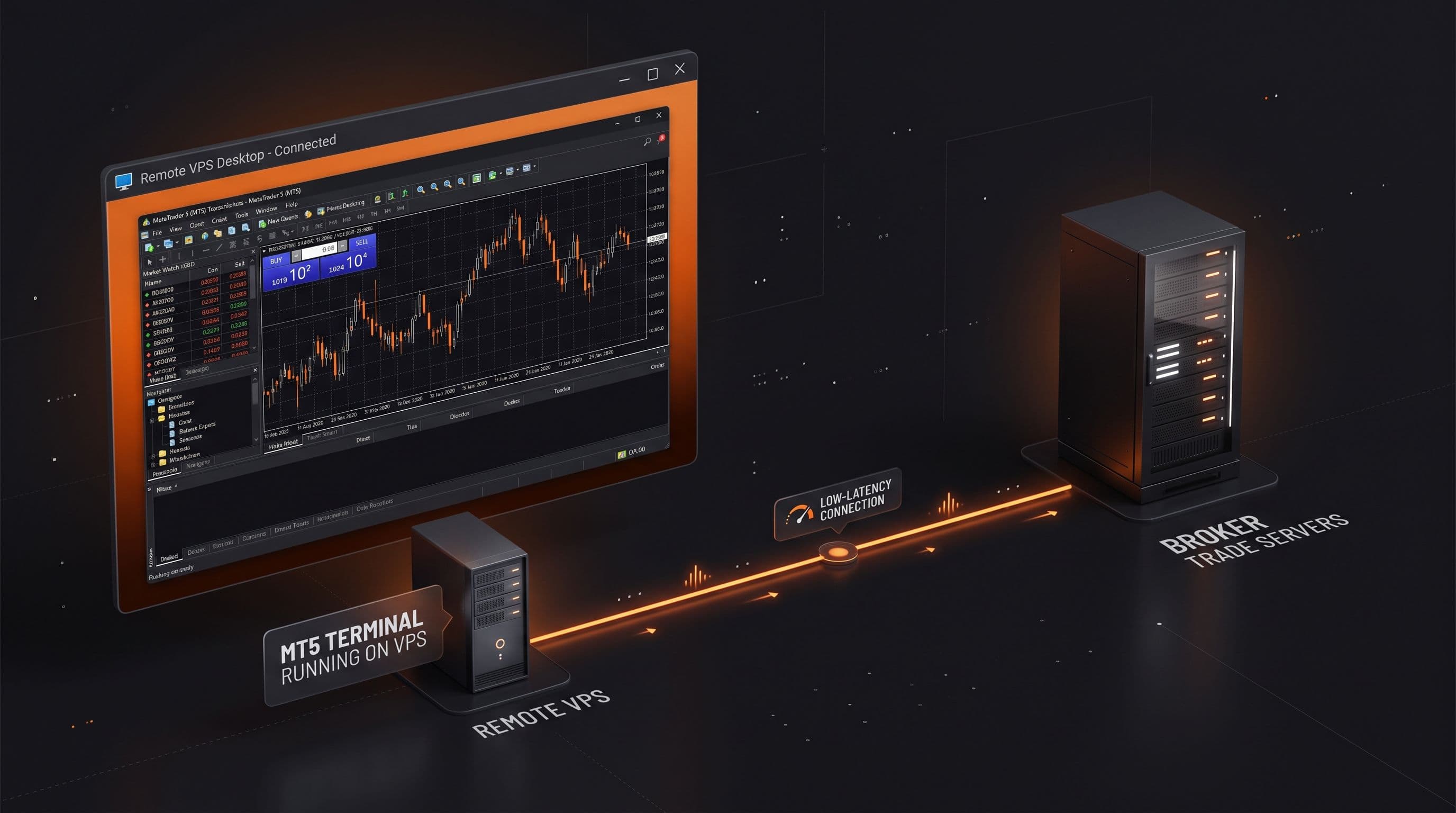
Why Your AI Trading Agent Needs a VPS (And How to Set One Up)
MCP only works while MT5 is open and signed in. Here is why an AI trading agent needs an always on terminal, and what to look for in a VPS: uptime, resources, and latency.
Read Article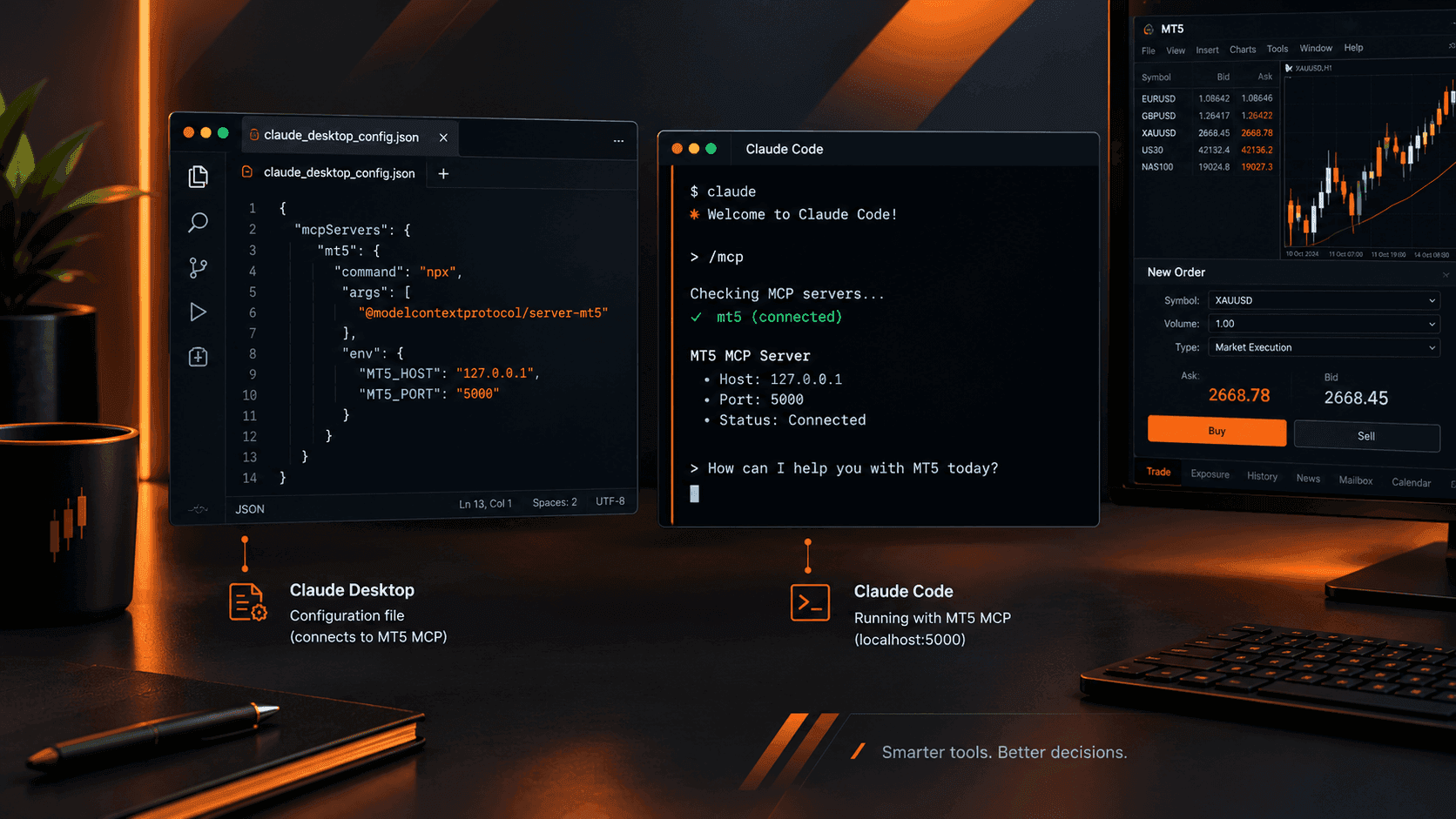
Connect Claude to MT5: Full Setup Guide with Working Prompts
MT5's native MCP server is enabled and waiting. Here's exactly how to point Claude Desktop or Claude Code at it, plus a working prompt library you'll actually bookmark.
Read Article
How to Enable Native MCP in MetaTrader 5 (Build 6060+): A Step by Step Walkthrough
MetaQuotes built MCP directly into MT5's Tools > Options menu from build 6060. Here's exactly how to turn it on and connect an AI assistant safely.
Read ArticleCreate Your Account
Account opening happens in the client area, and takes a couple of minutes.
*Opening an account finishes in the secure client area, where these details carry across. Already registered? Sign in, or talk to us first.
CFDs are complex instruments and come with a high risk of losing money rapidly due to leverage. 73% of retail investor accounts lose money when trading CFDs. You should consider whether you can afford to take the high risk of losing your money.