
Why Your AI Trading Agent Needs a VPS (And How to Set One Up)
MCP only works while MT5 is open and signed in. Here is why an AI trading agent needs an always on terminal, and what to look for in a VPS: uptime, resources, and latency.
By LTI BLOG Team
Why Your AI Trading Agent Needs a VPS (And How to Set One Up)
If you have connected an AI assistant to MetaTrader 5 through MCP, you have probably already noticed the catch: the moment you close MT5, or your laptop goes to sleep, the assistant stops being able to see anything. Not slows down. Stops. There is no cached copy of your account it can keep reading from. The connection lives inside the MT5 terminal process itself, and when that process is not running and signed in, there is nothing on the other end for your assistant to talk to.
This is a structural fact about how MCP works in MT5, not an upsell dressed up as a technical requirement. The server an AI assistant connects to is a feature of the terminal, not a separate always running service. A desktop that sleeps overnight, a laptop that gets closed and carried out the door, or a home internet connection that drops for twenty minutes all produce the same result: a disconnected assistant, whether or not you intended it.
A virtual private server, or VPS, solves this by moving the terminal off your own machine and onto one built to stay on. Below is what a VPS actually is if you have never used one, why it matters for an MCP connected agent specifically, and what to check before renting one.
- Uptime: Desktop or laptop: Only while your machine is on and awake | VPS: Runs continuously in a data center
- Sleep or lid close: Desktop or laptop: Breaks the MCP connection immediately | VPS: Not applicable, no lid, no sleep mode
- Home network issues: Desktop or laptop: Wifi drops and ISP outages affect you directly | VPS: Hosting grade network infrastructure
- Distance to broker's servers: Desktop or laptop: Whatever your home location happens to be | VPS: Chosen to sit close to the broker's trade servers
Key Takeaways: • MCP in MT5 only works while the terminal is open and you are signed in. It is a feature of the running application, not a background service that keeps working on its own. • Closing a laptop, letting a desktop sleep, or losing home internet all disconnect an MCP connected assistant the same way, instantly and completely. • A VPS is a rented slice of a remote computer that stays powered on and connected, so MT5 and MCP can keep running whether or not your own device is on. • When choosing a VPS for this purpose, the things that actually matter are uptime, enough RAM and CPU for MT5 plus whatever else you run alongside it, and network distance to your broker's trade servers. • Running MT5 on a VPS around the clock does not change what the assistant is allowed to do. It still only reads and suggests. You still decide what happens in your account.
Why MCP goes dark the moment MT5 does
MetaQuotes built native MCP support directly into the MT5 terminal from build 6060 onward, rather than as a separate program you install and run alongside it. That is convenient in one respect (nothing extra to maintain) and unforgiving in another: the MCP server exists only as long as MT5 itself is open and you are signed in. Unlike an email server or a website, there is no persistent background process once you close the application.
Practically, every one of these ends an MCP session the same way:
- Closing MT5, even briefly, or restarting your computer for a Windows update.
- Putting a laptop to sleep by closing the lid, which most operating systems do automatically after a period of inactivity.
- A home internet outage, even one lasting a few minutes.
If you want an assistant to review overnight price action before your morning check in, or to answer a question about your account the moment you ask it, a terminal that is only sometimes running makes "sometimes" the actual limiting factor, not what the assistant can do.
What a VPS actually is
If you have never rented one, think of a VPS as a computer you access remotely instead of one sitting on your desk. A hosting provider runs powerful physical servers in a data center and divides each one into several independent virtual machines, each with its own operating system, storage, and dedicated share of RAM and processing power. You rent one of those slices, typically running Windows so it can run MT5 the same way your own PC does, and connect to it over the internet using remote desktop software to see its screen and control it as if you were sitting in front of it.
The part that matters here: the VPS keeps running whether or not you are connected to it, and whether or not your own laptop is even switched on. You install MT5 on the VPS once, sign in there, enable MCP there, and point your AI assistant at that remote machine's address instead of your home computer's. From that point on, your own device becomes optional.
What to actually look for in a VPS for this
Not every VPS is suited to running a trading terminal well. A handful of specific things matter more here than for general purpose hosting.
Uptime. Hosting providers typically publish an uptime commitment as a percentage, and the difference between tiers is bigger than it looks. A 99.9 percent commitment still allows for roughly 8 hours and 46 minutes of downtime a year, while 99.99 percent narrows that to well under an hour. Neither means the machine is on every second forever, but the higher tier reduces how often your assistant could go dark for reasons outside your control.
Enough RAM and CPU for what you actually run. MT5 itself is not a heavy application, but what you run inside it adds up. Providers that specialize in MetaTrader hosting generally treat around 2 dedicated CPU cores and 4 GB of RAM as a comfortable baseline for one terminal running a handful of charts, indicators, and Expert Advisors, with more RAM needed per additional terminal or heavier automated strategy. That is a step up from the bare minimum MT5 will technically install and launch on, closer to 1 or 2 GB, since a bare minimum describes what lets the software open, not what keeps it stable through a busy session with an assistant polling it too. MetaQuotes' own guidance for its hosting service points the same way, allocating each running platform a meaningful, dedicated share of memory rather than treating it as a lightweight background task. If in doubt, size up.
Network distance to your broker's trade servers. This surprises people used to thinking about VPS location as "close to me." What matters is how close the VPS is to your broker's servers, not your home address. Every request your account makes travels between the terminal and the broker's server, and the distance between them adds real, measurable delay. Traders benchmarking VPS options on MetaTrader's own community forums consistently report round trip times of a few milliseconds when the VPS sits in the same data center region as the broker, against tens or, from the other side of the world, well over a hundred milliseconds on a typical home connection. For an assistant reading data on a schedule, a few extra milliseconds rarely matters. With order placement permissions granted, that gap stops being trivial.
A Windows environment, secured properly. MT5 is a Windows application, so the VPS needs to run Windows, not a generic Linux server meant for web hosting. Providers built around trading platforms typically ship a Windows image with MT5 friendly defaults already in place. Because a VPS is reachable over the internet, treat its remote desktop login with the same care as any other credential (a strong, unique password, and address restrictions where the provider offers them), alongside the MCP specific permission settings inside MT5 that control what a connected assistant can see and do.
The terminal runs continuously. The decisions still do not
None of this changes what an MCP connected assistant is allowed to do. Moving MT5 onto a VPS so it stays open around the clock makes the assistant reachable more consistently, not autonomous. As LTI has said elsewhere about AI and trading: the strongest setup is not the one with the most automation, it is the one you can understand, test, monitor, and control. An assistant that never goes offline can read your account state and surface information at any hour. It still is not placing trades on its own unless you have explicitly configured permissions to allow that, and even then it is not a substitute for your own judgment.
Setting it up, in outline
The full click by click walkthrough for enabling MCP itself lives in How to Enable Native MCP in MetaTrader 5. Once you have a VPS, the sequence looks like this:
- 1.Provision the VPS and connect to it using remote desktop software.
- 2.Install MT5 on the VPS and sign in to your account there, the same way you would on a home computer.
- 3.Confirm you are on build 6060 or later, then enable MCP from Tools > Options on the VPS itself.
- 4.Point your AI assistant's configuration at the VPS's address and bearer key, not your home computer's.
- 5.Test with a handful of read only queries before granting anything beyond that.
For the bigger picture of what a connected assistant can do with your account once this is working, see MetaTrader 5 Now Talks to AI Assistants.
Risk disclosure: Trading in foreign exchange (forex), contracts for difference (CFDs), and other leveraged financial instruments involves a high degree of risk and may not be appropriate for all investors. You should only trade with funds that you can afford to lose without adversely affecting your financial position. No AI tool, including any assistant connected through MCP, is a guaranteed forex trader or capable of trading independently of you.
FAQ
Does any VPS work, or does it need to be built for trading?
Technically, MT5 will run on most Windows VPS options. In practice, one sized and located for trading avoids the performance issues that show up on a generic, undersized VPS during busy sessions.
If my assistant is only reading data, does latency actually matter?
Less than it would for order execution, but it is not irrelevant. A slow round trip to the broker's server means your assistant works from slightly older information each time it checks. For scheduled summaries that is usually fine. For anything closer to real time monitoring, or with order placement permissions granted, the gap matters more.
Can I just leave my desktop on all the time instead?
You can, as long as the machine genuinely never sleeps, never loses power, and never needs a restart for updates. For most people that is harder to guarantee than it sounds, which is the reason a VPS exists as a category of product.
Get an always on setup
An AI assistant that can only see your account some of the time is only ever partially useful. If you want MT5 and MCP running continuously instead of only while your own computer happens to be on, get an LTI VPS and move your terminal onto infrastructure built to stay connected.
*This article is general information about CFDs, leveraged products and instruments, and trading. It is not investment advice, a recommendation, or an offer to trade, and it does not take account of your objectives, financial situation or needs. Refer to the footer for the full disclaimer, terms and policies.
Related Articles
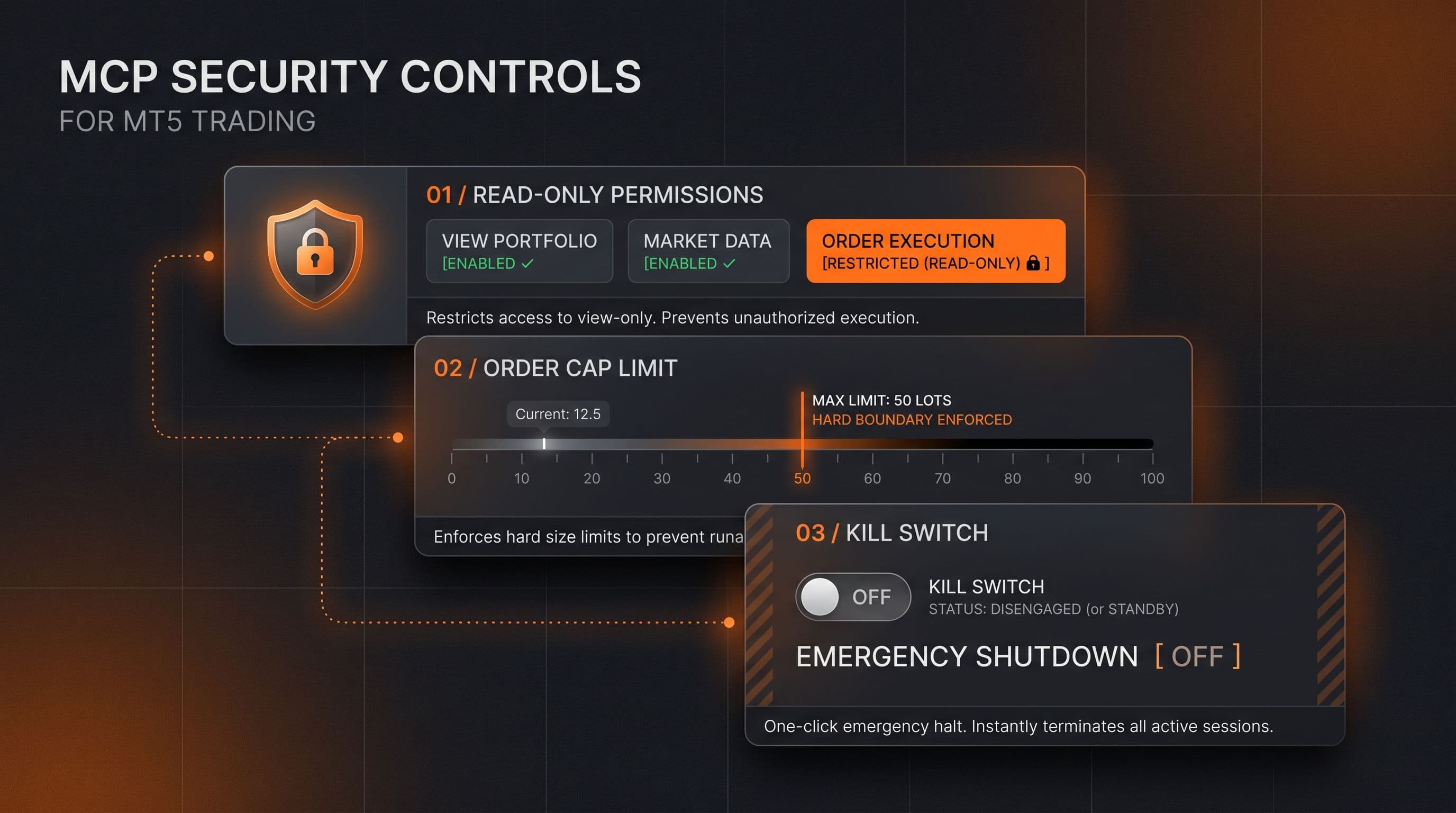
MCP Trading Security: Read Only Mode, Order Caps and Kill Switches Explained
Read only access, order caps and a kill switch are the three checkable controls behind any MCP connected trading assistant. Here's what each one actually does.
Read Article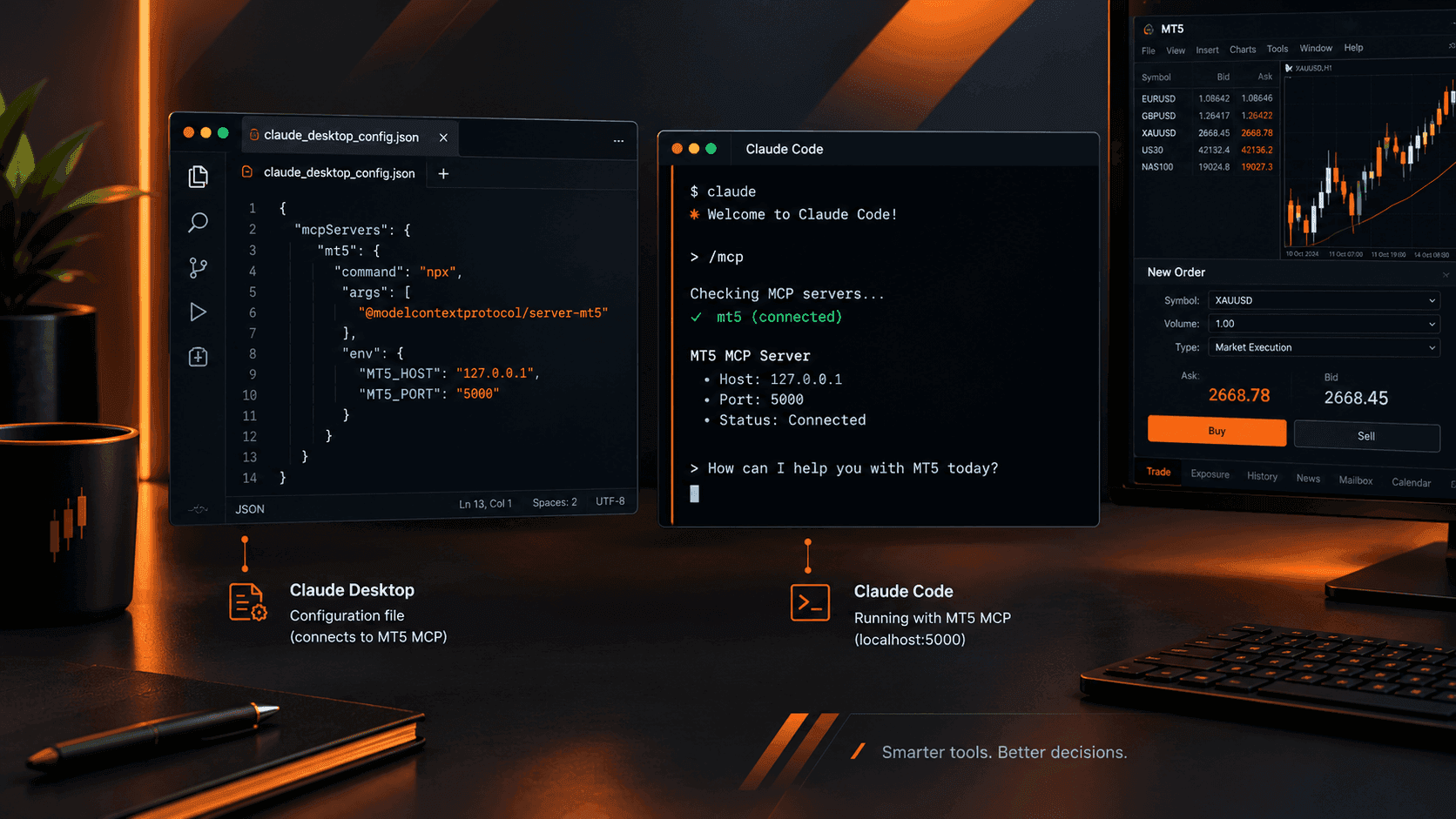
Connect Claude to MT5: Full Setup Guide with Working Prompts
MT5's native MCP server is enabled and waiting. Here's exactly how to point Claude Desktop or Claude Code at it, plus a working prompt library you'll actually bookmark.
Read Article
How to Enable Native MCP in MetaTrader 5 (Build 6060+): A Step by Step Walkthrough
MetaQuotes built MCP directly into MT5's Tools > Options menu from build 6060. Here's exactly how to turn it on and connect an AI assistant safely.
Read ArticleCreate Your Account
Account opening happens in the client area, and takes a couple of minutes.
*Opening an account finishes in the secure client area, where these details carry across. Already registered? Sign in, or talk to us first.
CFDs are complex instruments and come with a high risk of losing money rapidly due to leverage. 73% of retail investor accounts lose money when trading CFDs. You should consider whether you can afford to take the high risk of losing your money.