
Can AI Actually Trade For You? What MCP Does and Doesn't Do
No, an AI assistant can't trade for you on its own. Here's what it can read, what it needs explicit permission to do, and why the decision stays yours.
By LTI BLOG Team
Can AI Actually Trade For You? What MCP Does and Doesn't Do
No. An AI assistant such as ChatGPT or Claude does not trade for you on its own, and connecting one to your trading account doesn't change that by itself. What an assistant can do, once you've explicitly granted permission, is read the data you've chosen to expose to it, and in some setups, act only within a scope you've defined in advance. The decision to place a trade, and the responsibility that comes with it, never leaves your hands.
This question comes up constantly, and it's a fair one to ask. AI assistants have gotten good enough at reading data and summarizing patterns that it's easy to wonder whether the next step is letting one place trades directly. Search results are full of people typing some version of "can I get ChatGPT to trade forex for me." The honest answer is more restrained than the question implies, and that restraint is what the rest of this article explains.
Key Takeaways: • No, an AI assistant does not trade for you on its own. Connecting one to your account doesn't hand it control. • An assistant can read the data you expose to it (prices, balances, history) without that access including any ability to act. • If an assistant can also act, it's because you explicitly turned that function on and defined its scope yourself. Nothing is switched on by default. • ChatGPT and Claude are conversational assistants first. Neither has standing access to the forex market or your brokerage account unless a specific integration connects them to it. • The assistant reads what you've exposed and can suggest, or act if you've allowed it. You decide what to grant, and you decide whether to act on anything it surfaces.
The Short Answer, Stated Plainly
Model Context Protocol, or MCP, is the connection method behind most "AI plus trading account" setups discussed this year. It exposes a defined, limited set of functions from a piece of software, in this case a trading terminal, to an AI assistant, so the assistant can call them directly instead of you copying and pasting data back and forth. For the fuller technical picture, see What Is MCP in Trading?. What matters here is simpler: MCP is a channel, not a decision maker. It determines what an assistant can reach, not what it's allowed to do once it reaches it. That's a separate setting you control.
Can ChatGPT Trade Forex For You?
On its own, no. ChatGPT is a conversational model. Left as is, it has no connection to your brokerage account, no access to live market data beyond what you paste into a chat, and no function that reaches an order ticket. You can ask it to explain a concept or talk through what a set of numbers might mean, and it answers in text. None of that touches your account. If ChatGPT is connected to a trading platform through a specific integration, such as an MCP connection someone has deliberately set up and permissioned, it can read whatever data that connection exposes, and, only if a trading function was separately turned on, act within whatever limits were defined for it. That's an added integration, not something ChatGPT does by default.
Can Claude Trade Forex For You?
The same logic applies to Claude, or any other AI assistant. The model itself has no brokerage account, no login, and no standing access to the forex market. It works with whatever it's given in a conversation, and, if connected through an integration like MCP, whatever specific functions that connection exposes. A connected Claude can read a trade history it's been given access to and describe patterns in it. Whether it can also place, modify, or close a trade isn't a property of "using Claude." It's a property of which functions were switched on, and by whom, which is always the account holder, deliberately, in advance.
Reading, Suggesting, Acting: Three Different Things
It helps to separate three things that get blurred together: reading, suggesting, and acting. Reading means the assistant can see data you've exposed, prices, balances, trade history, and describe what's in it. Suggesting means it can talk through what that data shows, in plain language, the way a colleague looking over your shoulder might. Acting means a function exists that changes something in your account: placing an order, modifying a stop, closing a position. The first two happen by default in any connected setup. The third only happens if a specific function was turned on, and even then most setups let you require manual confirmation before anything executes. Reading and acting aren't points on the same sliding scale. They're separate switches, and the second one defaults to off.
A Simple Example of Setting Scope
Picture a trader who connects an assistant to a demo account and turns on exactly two things: read access to closed trade history, and a function that drafts a plain language weekly summary. Ask that assistant what happened last month, and it can tell you, accurately, that average holding time went up or that Fridays produced more closed losses than other days. Ask it to open a position, and nothing happens, because no such function exists in that connection. It isn't refusing out of caution. The function was simply never switched on. That's the practical shape of "read only" access: not a promise about behavior, but an absence of the function that would make acting possible at all.
AI Assistant or Trading Bot? They're Not the Same Thing
Part of why this question causes confusion is that "AI" gets used for two different things. A trading bot is software built to execute a defined strategy automatically, around the clock, without a person reviewing each trade. An AI assistant connected through something like MCP is a conversational tool that reads and, at most, acts within a narrow, explicitly granted scope, typically with you reviewing what it surfaces first. Confusing the two is where most of the overclaiming about "AI trading for you" comes from. For the fuller comparison, see AI Assistant or Trading Bot? What's Actually Different.
Is Connecting an Assistant Like This Safe?
Safety here comes down to the scope you grant, not the assistant's judgment. An assistant limited to reading data can't affect your account, by definition, because no function exists for it to do so. An assistant with an acting function turned on is only as contained as the limits you set on it: which actions, what size, whether confirmation is required first. That's a setup question you control, not a property of AI in general. The full breakdown of what to check before connecting anything is covered in Is AI Trading Safe?.
Common Myths, Answered Plainly
"Connecting an assistant means it starts trading for me." No. Connecting exposes data. Nothing acts until a specific function is deliberately turned on, and most setups still require a confirmation step even then.
"AI trading bots and AI assistants are interchangeable terms." No. A bot executes a strategy on its own. An assistant reads and, at most, acts within a scope you define, generally with you reviewing each step.
"If I let it read my history, it can also act on it." No. Read access and act access are separate functions. One doesn't imply the other, and most integrations keep them switched off independently.
"An AI connection removes the risk of trading." No. A connected assistant can help you review what already happened in your account. It doesn't remove the uncertainty of any future trade, and it doesn't remove the need to manage risk yourself.
Before You Connect Anything
If you're considering connecting an assistant to a live account, a few basics are worth deciding first: what you want it to read, whether you want it to act on anything at all, and if so, within what limits. That's a scope question, not a technical one, and it's yours to answer. Testing the connection on a demo account first lets you see exactly what the assistant can and can't reach, without anything at stake while you check.
Risk disclosure: Trading in foreign exchange (forex), contracts for difference (CFDs), and other leveraged financial instruments involves a high degree of risk and may not be appropriate for all investors. You should only trade with funds that you can afford to lose without adversely affecting your financial position. No AI tool, including any assistant connected through MCP, is a guaranteed forex trader or capable of trading independently of you.
FAQ
Can ChatGPT trade forex for me?
Not on its own. ChatGPT has no built in connection to a brokerage account or the forex market. If it's connected to one through a specific integration such as MCP, it can read whatever data that connection exposes, and act only if a trading function was explicitly turned on and scoped by the account holder.
Can Claude trade forex for me?
No, not by itself. Claude works with whatever a conversation or a connected integration gives it access to. Whether a connected Claude can act on a trading account, rather than just read it, depends entirely on which functions were switched on in that connection, not on anything inherent to the model.
Does connecting an AI assistant mean it can move or withdraw funds?
No. Reading trade history or account data through a connection like MCP doesn't include withdrawal or transfer functions unless those specific functions exist and were deliberately exposed, which isn't standard in trading focused integrations and isn't something to enable without understanding exactly what it allows.
What's the difference between an AI assistant and an automated trading bot?
A bot executes a defined strategy on its own, continuously, without someone reviewing each trade. An assistant connected through MCP reads data and, at most, acts within a scope you've explicitly defined, generally with a review step before anything executes. See AI Assistant or Trading Bot? What's Actually Different for the full comparison.
See It On Your Own Terms
Curious what this actually looks like on your own account? [Try LTI's MCP integration] on a demo account first. Decide, function by function, what you want an assistant to read, and whether you want it to do anything beyond that. Nothing is switched on until you switch it on.
*This article is general information about CFDs, leveraged products and instruments, and trading. It is not investment advice, a recommendation, or an offer to trade, and it does not take account of your objectives, financial situation or needs. Refer to the footer for the full disclaimer, terms and policies.
Related Articles
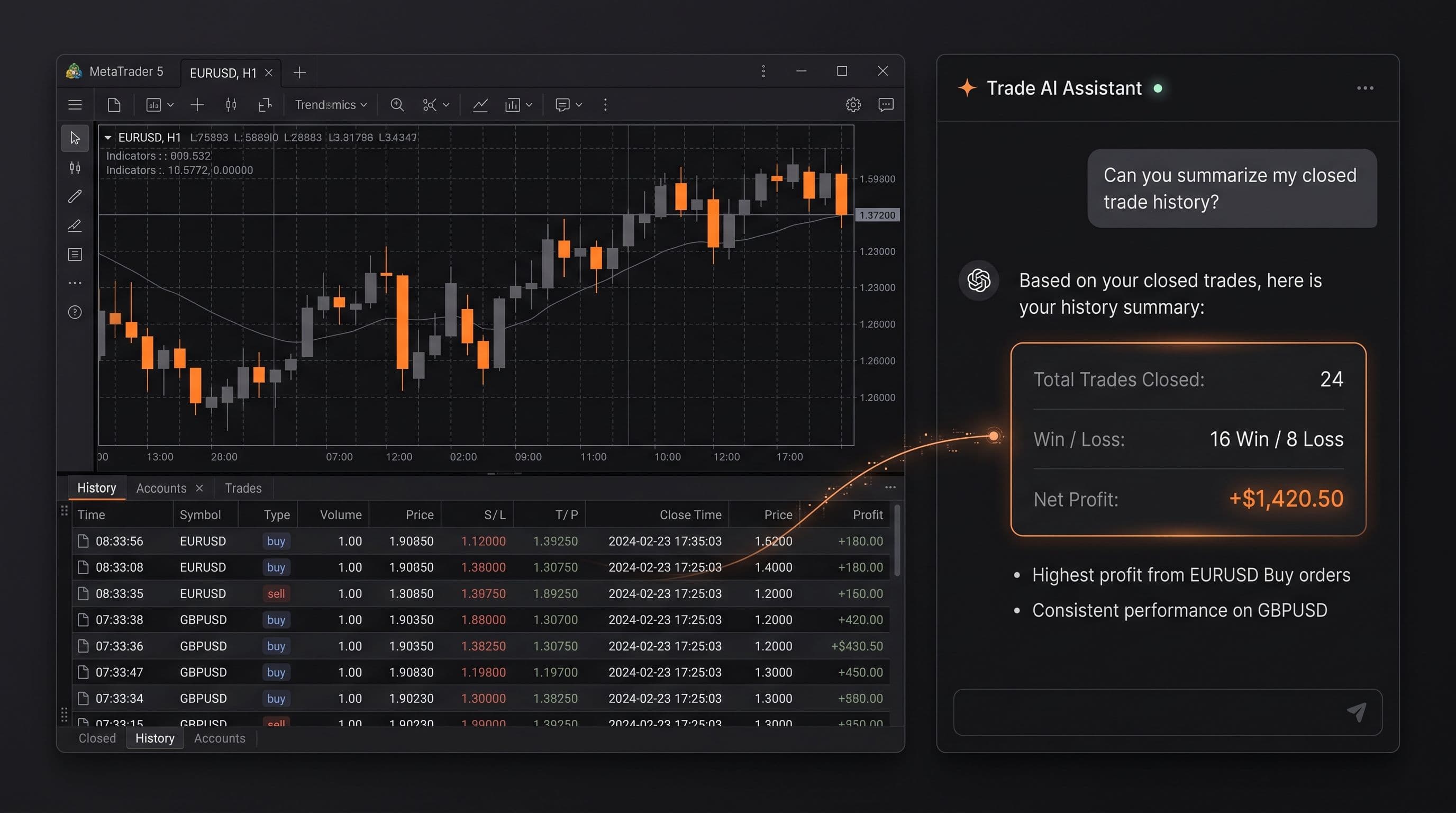
Ask Your Account Anything: 20 Prompts for Reviewing Your Own Trading
20 copy and paste prompts to analyse your trades with AI, covering losses, position sizing, session timing, strategy consistency, and trade management.
Read Article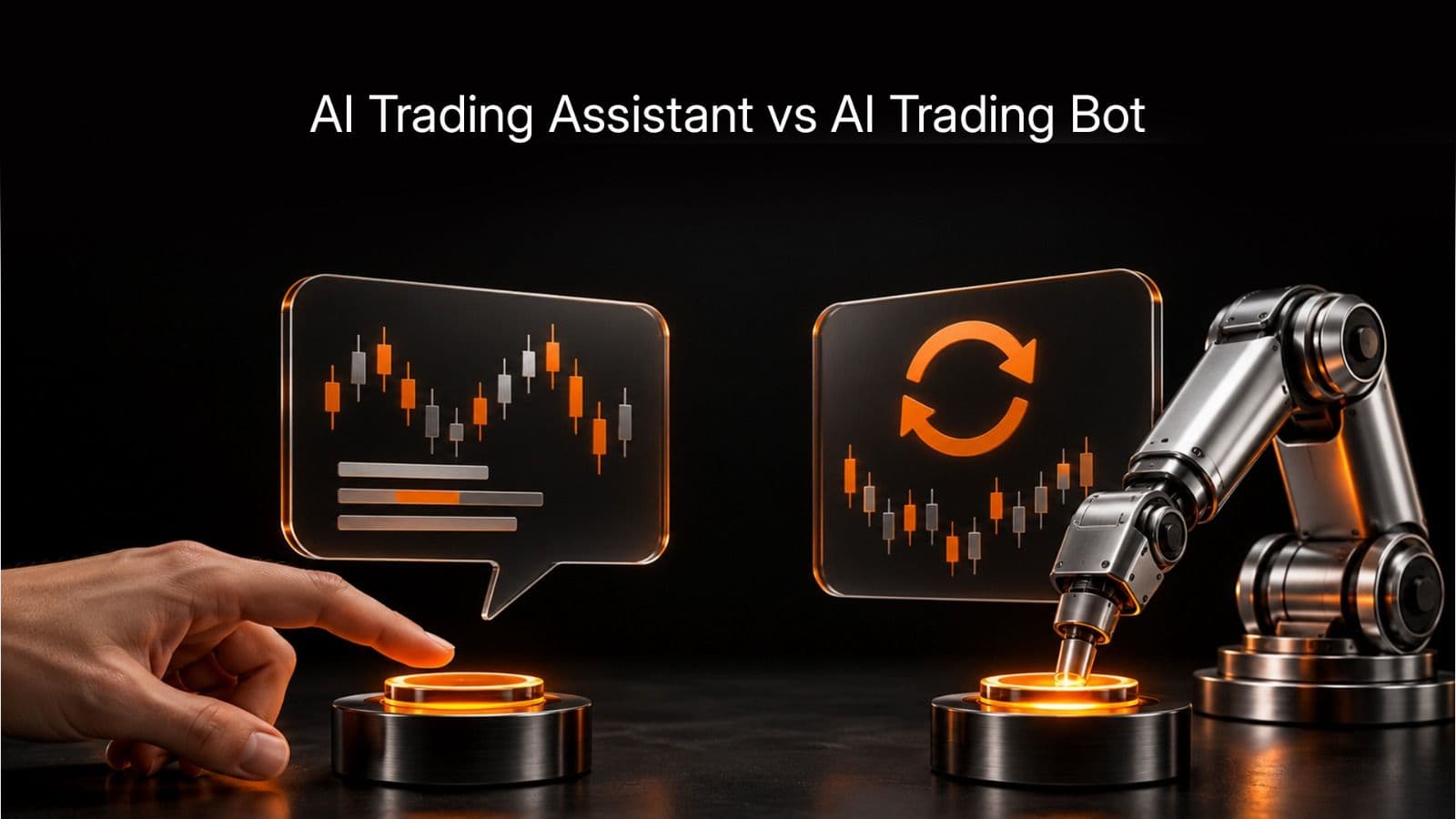
AI Trading Assistant vs AI Trading Bot: The Difference That Matters
An AI trading bot runs a strategy on its own. An AI trading assistant reads your account and answers questions, but only acts if you explicitly let it. Here is why mixing the two up is risky.
Read Article
Is AI Trading Safe? The Risks, the Guardrails and What to Watch
Can an AI assistant withdraw money from your account? No. Here is what MCP access exposes, the real risks like a misconfigured permission, and the guardrails that address each one.
Read ArticleCreate Your Account
Account opening happens in the client area, and takes a couple of minutes.
*Opening an account finishes in the secure client area, where these details carry across. Already registered? Sign in, or talk to us first.
CFDs are complex instruments and come with a high risk of losing money rapidly due to leverage. 73% of retail investor accounts lose money when trading CFDs. You should consider whether you can afford to take the high risk of losing your money.