
Mobile vs. Desktop MT5: Does the Platform You Trade On Matter?
Mobile and desktop MT5 show the same prices and execute the same trades. Here's how each affects your discipline and the decisions you make.
By LTI BLOG Team
Mobile vs. Desktop MT5: Does the Platform You Trade On Matter?
Mobile and desktop MT5 show you the same prices, the same charts, and let you place the same trades. The platform itself doesn't change the risk of any position you open. What changes is how much information you can see at once, how precisely you can enter an order, and how you're alerted when something happens to your account. That difference is worth understanding before you decide which version to rely on for anything beyond a quick balance check.
Most traders end up using both at different points in the day: desktop for planning and entering trades, mobile for watching positions while away from a screen. The real question isn't which platform is "better" in the abstract. It's which tasks each one actually supports well, and where the gaps are.
[IMAGE: Split screen comparison of MetaTrader 5 running on a smartphone and on a desktop monitor, side by side - search terms "trading app mobile desktop comparison, forex chart smartphone"]
- Chart windows open at once: Desktop MT5: Multiple, tiled across one or more monitors | Mobile MT5: One at a time, full screen
- Indicators and drawing tools: Desktop MT5: Full set, layered and compared easily with a mouse | Mobile MT5: Full set available, but layering several takes more switching
- Strategy Tester (EA backtesting): Desktop MT5: Built into the terminal | Mobile MT5: Not available
- Expert Advisors (automated strategies): Desktop MT5: Run directly in the terminal | Mobile MT5: Monitoring only, cannot execute locally
- Order types: Desktop MT5: Market, limit, stop, stop limit, trailing stop | Mobile MT5: Same full range, entered through a smaller ticket
- One click trading: Desktop MT5: Available via toolbar | Mobile MT5: Not offered in the same form
- Push notifications when the app is closed: Desktop MT5: Alerts only fire while the terminal is open | Mobile MT5: Can still arrive, via a linked MetaQuotes ID
- Multiple monitors: Desktop MT5: Yes | Mobile MT5: No, limited to one device screen
Key Takeaways: • Mobile and desktop MT5 connect to the same trading account and the same live price feed, so quotes, spreads, and execution don't differ by platform. • Desktop MT5 supports multiple chart windows, the full indicator set applied side by side, and the Strategy Tester for backtesting, none of which mobile offers. • Both platforms support the same order types (market, limit, stop, stop limit, trailing stop), but desktop's full order ticket makes complex orders easier to enter accurately. • Mobile push notifications can reach you even when the app is closed, which is useful for monitoring but can also prompt a reaction before you've had time to think it through. • Expert Advisors and other automated strategies only run on the desktop terminal, or a VPS running that terminal. Mobile can monitor them but can't execute them locally.
Risk disclosure: Trading in foreign exchange (forex), contracts for difference (CFDs), and other leveraged financial instruments involves a high degree of risk and may not be appropriate for all investors. You should only trade with funds that you can afford to lose without adversely affecting your financial position.
What Actually Changes Between Mobile and Desktop MT5
Technically, mobile and desktop MT5 connect to the same trading account and the same live price feed. An order placed on one shows up on the other within moments, and nothing about market access, pricing, or execution is different between them. MetaQuotes built both versions on the same backend, so the account itself doesn't know or care which device you used to open a position.
What differs is entirely on the interface side. Desktop MT5 runs on a full monitor, sometimes across several attached screens, so you can view multiple charts, timeframes, and indicators at once. Mobile MT5 fits everything into a phone or tablet screen, which is a genuinely smaller amount of information available at any one time, and a smaller set of tools for acting on it.
That size difference sounds cosmetic, but it shapes behavior more than most traders expect, particularly around analysis, order entry, and how quickly you react to a moving price. The sections below cover each of those in turn.
Chart Tools and Technical Analysis
Analysis is where the screen size gap matters most, and it shows up in two specific places: how many charts you can see at once, and whether you can build and test a strategy before trading it live.
Multiple Charts and Indicator Layering
Desktop MT5 lets you open several chart windows at once, tiled or cascaded across one monitor or spread across two or three. You can watch a currency pair on the daily, four hour, and fifteen minute timeframes at the same time, apply several indicators to each, and compare them without switching screens. Drawing tools like trendlines, Fibonacci levels, and channels are applied with a mouse, which makes precise placement straightforward.
Mobile MT5 shows one chart at a time, full screen. You can still apply the full set of built in indicators and drawing tools, and you can switch timeframes with a tap, but you lose the side by side view. Comparing what the four hour chart is doing against the fifteen minute chart means switching back and forth from memory rather than looking at both at once.
Strategy Tester Lives Only on Desktop
One difference that's easy to miss: MT5's Strategy Tester, the built in backtesting tool for Expert Advisors and indicators, is a desktop terminal feature. It isn't available in the mobile app at all. If you write or test automated strategies, that work happens on desktop, or on a VPS running the desktop terminal, not on a phone. Mobile can monitor an EA that's already running elsewhere, but it can't build or test one.
Order Types, Order Entry, and Execution Precision
Both platforms support the same order types: market orders, limit orders, stop orders, stop limit orders, and trailing stops on open positions. Availability isn't the issue. Precision is.
Desktop MT5's order ticket shows the entry price, stop loss, take profit, position size, and margin requirement in one panel, all editable before you send the order. One click trading, a toolbar option that sends a market order at the current price without a confirmation dialog, is also a desktop feature. For traders who want to see every number before committing, or who trade a size that needs careful calculation, that full view matters.
Mobile MT5 condenses the same fields into a smaller ticket, often across a couple of screens or a scroll rather than one view. You can still set an exact stop loss and take profit, and pending orders work the same way they do on desktop, but the smaller layout means more taps and less of the picture visible at once. That raises the odds of a mistyped lot size or a stop placed at the wrong distance, not because mobile is less capable, but because there's less room to double check what you just entered before confirming it.
Notifications and the Behavioral Difference That Actually Matters
Desktop MT5 can show pop up and sound alerts for price levels and account events, but only while the terminal is open and running on your machine. Close the terminal, and those alerts stop.
Mobile MT5 works differently. Once you've linked your MetaQuotes ID in both the desktop terminal's Notifications settings and the mobile app, push notifications can reach your phone even when the app itself is closed, as long as the terminal that triggers the alert is still running somewhere. That's genuinely useful for a trader who can't sit at a desk all day: a margin call warning or a hit stop loss reaches you wherever you are.
It's also where the platform choice stops being purely technical and starts being behavioral. A push notification that lands while you're in a meeting or out for dinner creates a pull to check the account immediately, sometimes to act immediately, before you've had a chance to sit down and look at the fuller picture desktop would show you. Neither platform makes that reaction more or less likely by itself. It's a pattern worth noticing in your own trading rather than something the app decides for you.
When Desktop Makes Sense, and When Mobile Does
The clearest way to decide which platform to use for a given task is to split it by what you're actually trying to do in the moment: deciding on a new trade, or managing one you already hold.
Where Desktop MT5 Earns Its Keep
Desktop suits the parts of trading that benefit from time and a full view: building a trade idea across multiple timeframes, sizing a position carefully, entering a complex order with several conditions, or running and testing an Expert Advisor. If you're deciding whether to open a new position, desktop is generally the better environment for that decision.
Where Mobile MT5 Earns Its Keep
Mobile suits monitoring and simple management: checking whether a stop was hit, closing a position that's moved against you, adjusting a stop on something you already hold, or confirming your margin level before you step away from your desk for a few hours. It's not built for deciding whether to open something new. It's built for staying in touch with what you've already decided.
Keeping an Automated Strategy Running When You Switch to Mobile
If part of your setup depends on an Expert Advisor or another automated strategy, that strategy only runs while the desktop terminal hosting it is open. Closing your laptop pauses it, which is a problem if the whole point was to have it running around the clock. VPS hosting solves that specific problem by keeping a desktop MT5 instance running on a remote server that stays on whether or not your own computer is. Mobile then becomes what it's good at: checking in on a strategy that's actually executing somewhere else, rather than trying to run one itself. More on setting this up for automated strategies is on LTI's trading automation page.
The same logic applies if you've connected an AI assistant to MT5's native MCP feature rather than an EA. The assistant only has an active terminal to read from if that terminal is running. Connecting it doesn't hand over control of your trades. It reads what you've exposed, and you still decide what to do with what it surfaces. How to enable native MCP in MT5 covers the setup if that's the direction you're exploring. LTI's page on MCP for MetaTrader 5 explains what a connected assistant reads from a running terminal.
Why the Platform Question Is Really About Discipline
The more meaningful difference between mobile and desktop MT5 isn't technical. It's behavioral. A phone buzzing with a price alert while you're out somewhere can create pressure to react immediately, rather than waiting until you can review the position properly against your plan.
Desktop trading tends to happen in a more deliberate setting, which generally makes it easier to stick to a written plan rather than trade on impulse. That's not a guarantee. Plenty of impulsive trades get placed at a desk too, but the setting itself makes a difference for many traders.
Neither platform changes what a trade actually is or how much you stand to gain or lose. The practical question is which environment helps you follow your own rules rather than react to short term price movement.
Using Both Together
Switching between mobile and desktop doesn't reduce the risk of any individual trade, and most retail traders do not end up consistently profitable regardless of which screen they trade from. Treat either platform as a tool for following a plan you've already worked out, not as a way to trade more safely. For the full feature comparison, including setup and the markets available through each version, the MT5 platform page on London Trading Index covers both versions side by side.
Frequently Asked Questions
Is mobile MT5 as accurate as desktop MT5?
Yes. Both connect to the same trading account and the same live price feed, so quotes and execution are consistent between them. The difference is in the interface, not the underlying data.
Can I use mobile and desktop MT5 on the same account at the same time?
Yes, generally. You can log into the same MT5 account from a phone, a tablet, and a computer at once, and orders placed on any of them appear across all of them.
Do Expert Advisors run on mobile MT5?
No. Expert Advisors and the Strategy Tester used to build and test them are desktop terminal features. Mobile can show you that an EA is running and let you monitor its trades, but it can't execute one locally. A desktop terminal, including one hosted on a VPS, has to be running for the EA to trade.
Will I get a push notification if my stop loss is hit while my phone is locked?
Generally yes, provided your MetaQuotes ID is linked in both the desktop terminal and the mobile app, and the terminal triggering the alert is still running. If notifications aren't arriving as expected, check that linkage first. LTI's client support team can help troubleshoot the setup if it still isn't working.
Should beginners avoid trading on mobile entirely?
Not necessarily. Mobile MT5 works well for monitoring positions and basic order management, but doing detailed analysis or opening new trades on a small screen tends to be harder to do carefully. Many traders use desktop to plan and enter, then mobile to keep an eye on what's already open.
*This article is general information about CFDs, leveraged products and instruments, and trading. It is not investment advice, a recommendation, or an offer to trade, and it does not take account of your objectives, financial situation or needs. Refer to the footer for the full disclaimer, terms and policies.
Related Articles
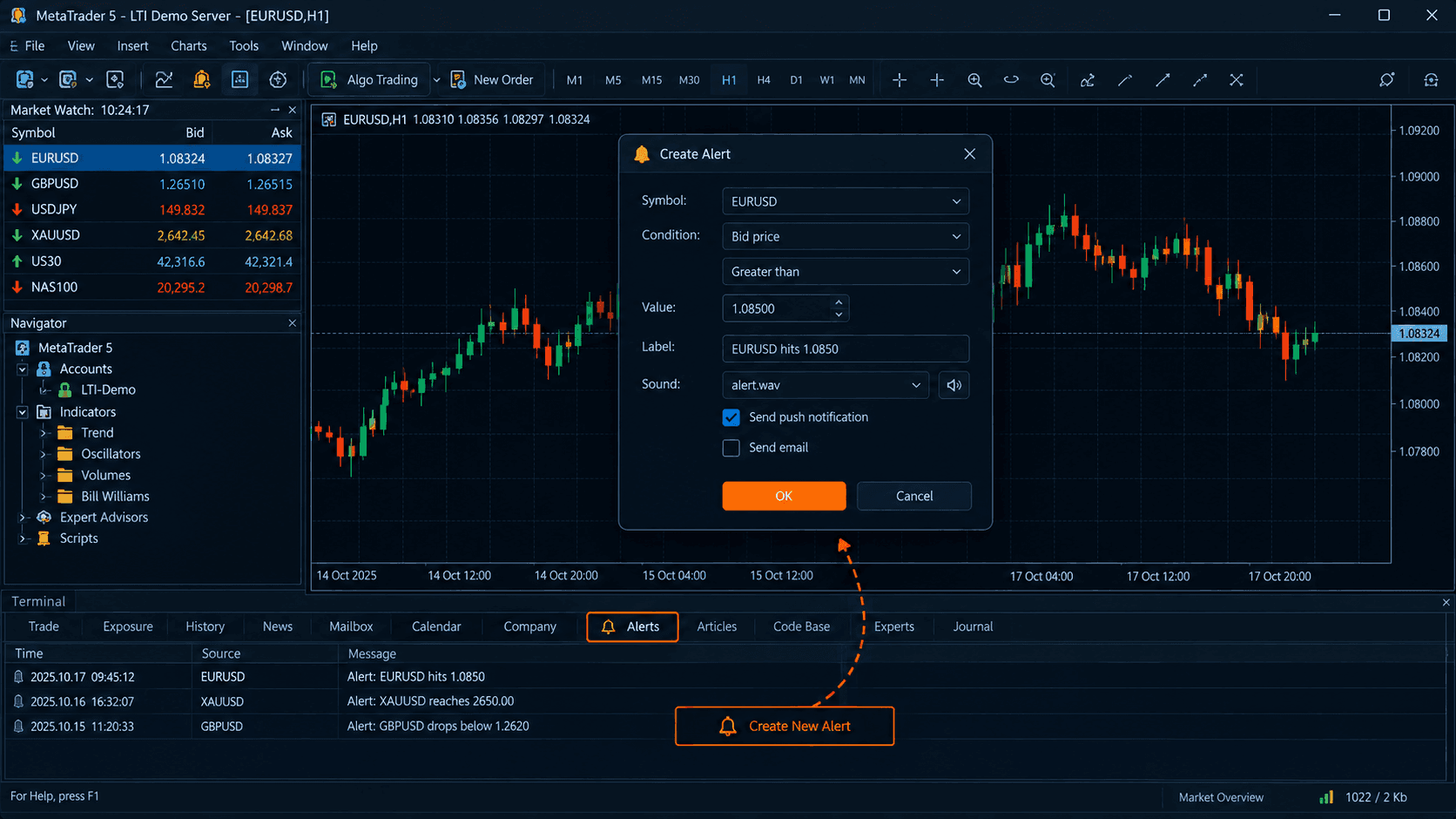
How to Set Up Price Alerts on MT5
Price alerts don't tell you when to trade, only that price hit a level you set. Here's how to set them up in MT5 without staring at charts all day.
Read Article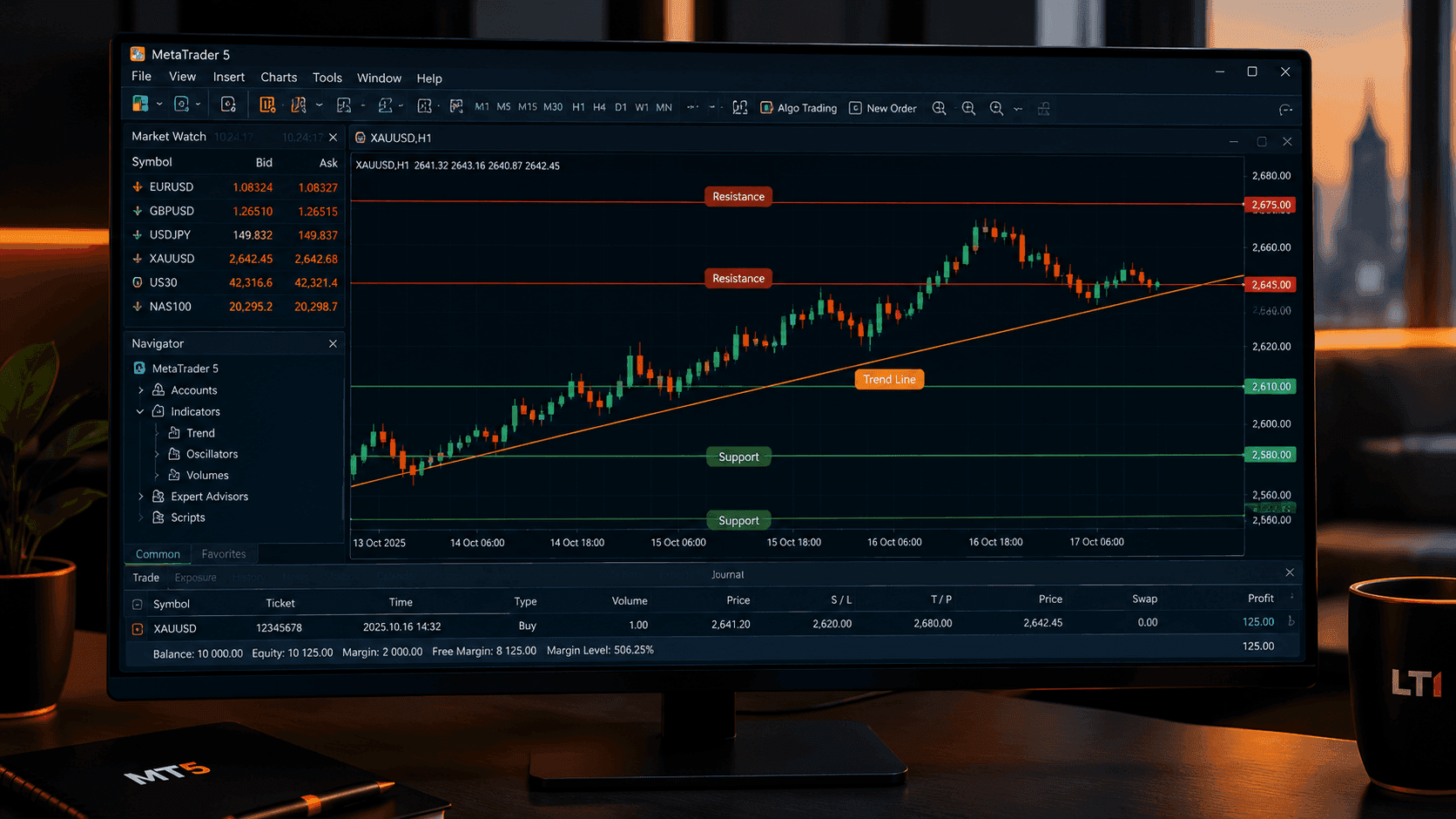
How to Read an MT5 Price Chart Without the Noise
A cluttered MT5 chart confuses more than it clarifies. Here's how to pick a chart type, timeframe, and reference lines without overloading the screen.
Read Article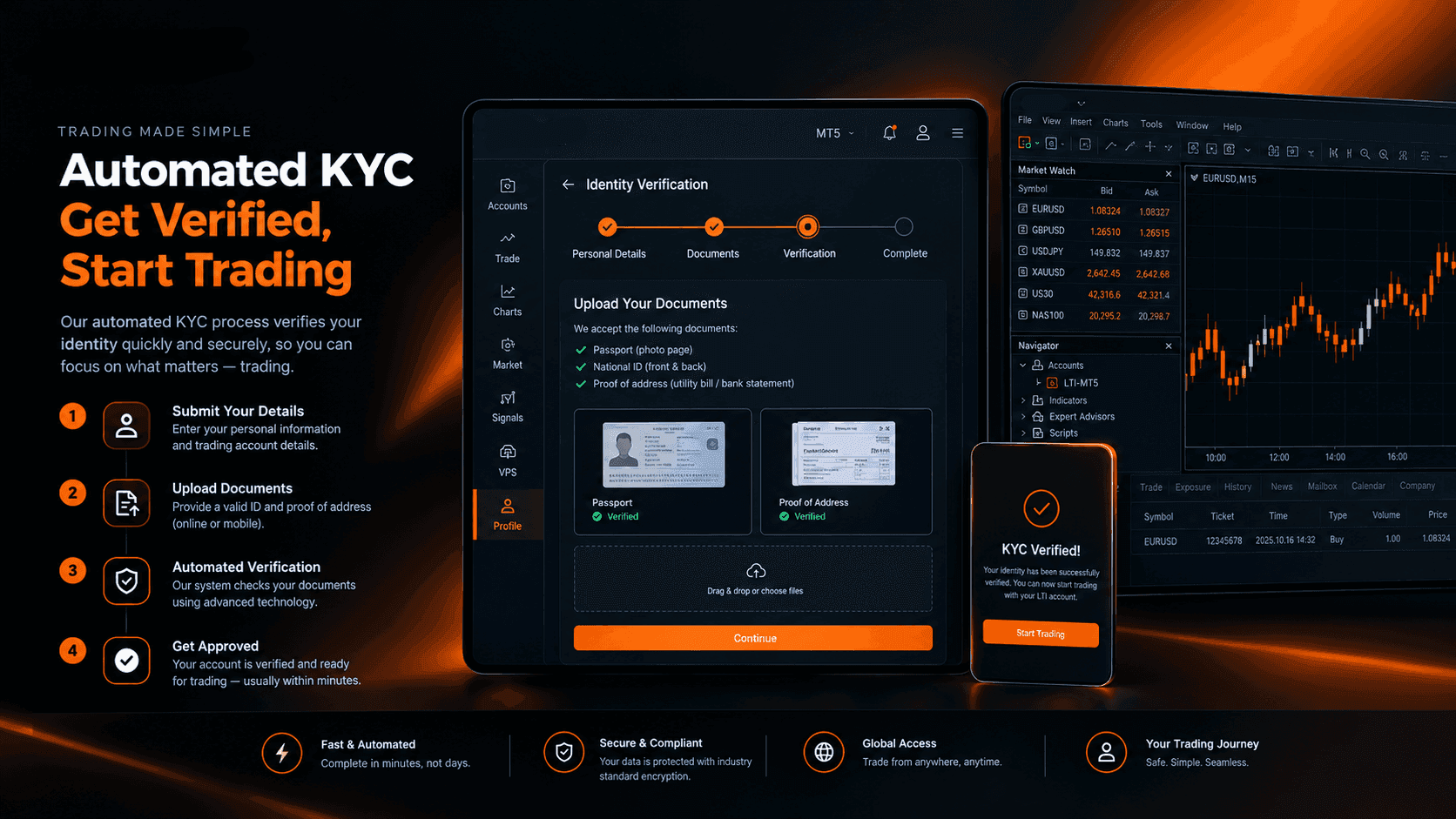
How Automated KYC Verification Actually Works at LTI
KYC verification is required before you can trade with LTI, not optional. Here's how the automated process works and how fast it can be.
Read ArticleCreate Your Account
Account opening happens in the client area, and takes a couple of minutes.
*Opening an account finishes in the secure client area, where these details carry across. Already registered? Sign in, or talk to us first.
CFDs are complex instruments and come with a high risk of losing money rapidly due to leverage. 73% of retail investor accounts lose money when trading CFDs. You should consider whether you can afford to take the high risk of losing your money.